26
Dallmeier electronic GmbH & Co.KG
DMS 240 / DMS 160 / DMS 80
NOTE
Buttons F1 through F4 and ALT are intended for
future options and are not yet active.
6.4.2 PTZ presets
The current position of a camera can be saved as preset. For this
purpose 18 presets are available.
Save as preset
" Direct the camera at the relevant position/scene.
" Right-click on the button of a PTZ preset.
The context menu of the button will be displayed.
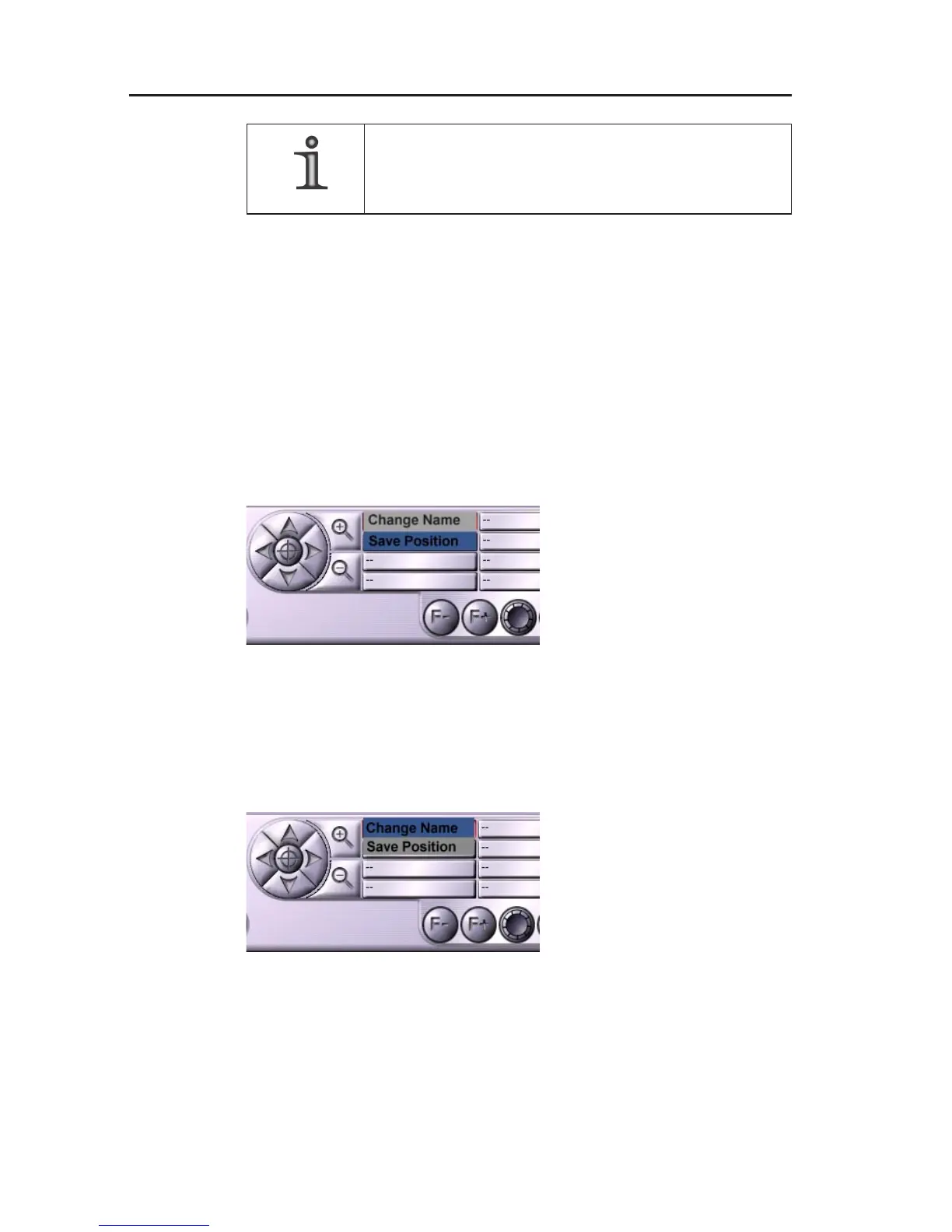
" Select Save position.
Position name
" Right-click on the button of a PTZ preset.
The context menu of the button will be displayed.
" Select Change name.
" The virtual keyboard will
be displayed.
" Enter a name for the PTZ
preset.
" Confirm with OK.
Fig. 6-10:
Context menu PTZ preset/save position
Fig. 6-11:
Context menu PTZ preset/change name



 To Next Page