40
Dallmeier electronic GmbH & Co.KG
DMS 240 / DMS 160 / DMS 80
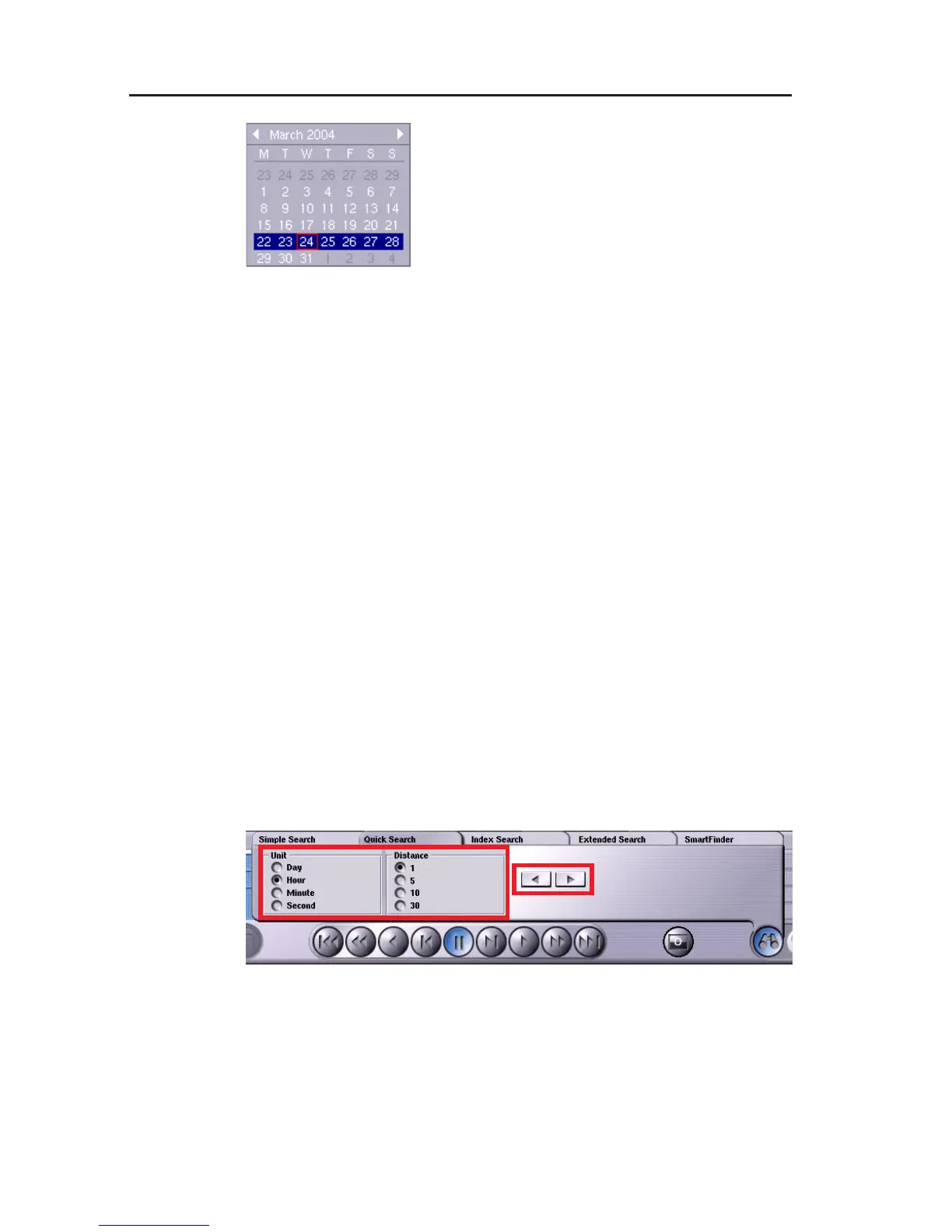
" Clicking the Date field opens a calendar
in which you can select the date directly.
" You select the time by clicking the arrow
buttons next to the hours, minutes and
seconds.
" The picture search is started by clicking
Start.
If the relevant picture was found and you would like to view the
individual pictures before and after it, close the tabs by clicking the
Search function button. The standard playback functions are then
available once again.
8.2 Quick search with time intervals
With the quick search, time intervals are searched. The intervals
can be set by day, hour, minute and second in steps of 1, 5, 10 or 30.
Before calling up the search function and searching in time intervals,
please set a starting point for the quick search with the slider knob
in Playback mode. You can also use the "simple search" by date
and time here. The corresponding picture is now the starting point
for the forward and back intervals.
With a setting of Hour/5, the time interval is 5 hours.
You can scroll forward or back by the respective time intervals with
the arrow buttons. The playback functions Single picture forward
and Single picture back are active for this search function and can
be used for a more precise search.
Fig. 8-3
Fig. 8-4



 To Next Page