49
Dallmeier electronic GmbH & Co.KG
9 Image export and import
9.1 Export images and sequences
9.1.1 Export images
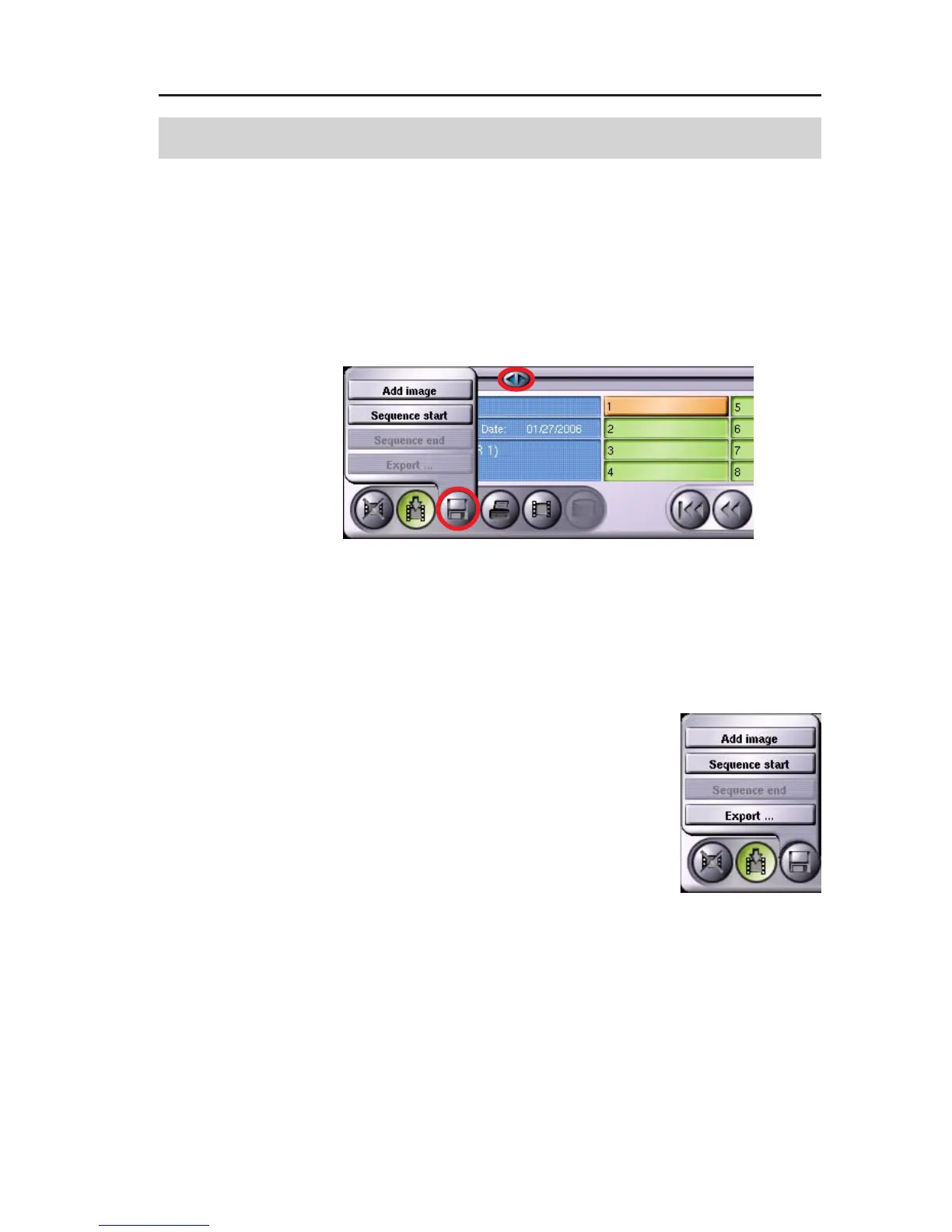
To export pictures to external storage media, search for the required
picture in the selected track using the Slide (A).
" Click on Export pictures (B).
" Click on Add image.
The Export ... option is inactive until you have selected the first
picture.
If you wish to export more pictures from this
track, simply repeat the steps described above.
When you have selected all the pictures, click
again on Export pictures and then click on Ex-
port ... which will now be active.
9.1.2 Export sequences
Select the start of the required sequence using the slide.
" Click on Export pictures.
" Click on Sequence start.
A
B
Fig. 9-1
Fig. 9-2



 To Next Page