39
Dallmeier electronic GmbH & Co.KG
8 Search functions
You can search for specific pictures and events via various functions.
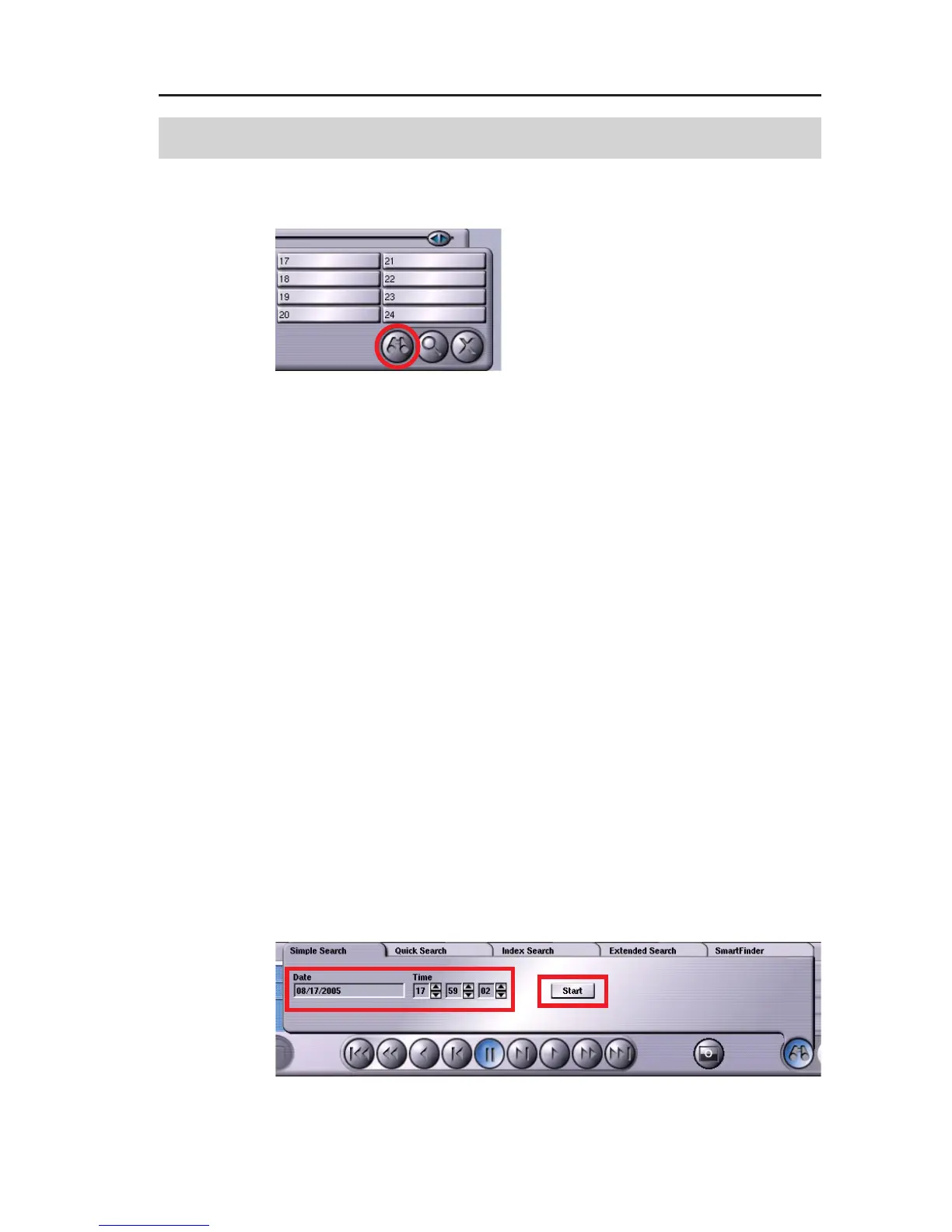
" Click the Search functions button
for this.
5 tabs, corresponding to the search functions, are available for
selection:
! Simple search
Picture search by date and time
! Quick search
Picture search by time intervals
! Indexsearch
Picture search by events
! Extended search
Picture search by, for example, account or transaction
number
! SmartFinder
Search for objects in a picture.
(only active in case of a corresponding configuration in
the Camera settings dialog)
" To select the desired search function, click the corresponding tab.
8.1 Simple search
" Click the Simple Search tab.
Fig. 8-1
Fig. 8-2



 To Next Page