37
Dallmeier electronic GmbH & Co.KG
The color of the button will change from green (recording on) to
red (recording off). Recording in this track is temporarily stopped.
NOTE
Recording in a track will automatically be enabled
when leaving the playback mode or changing the
track.
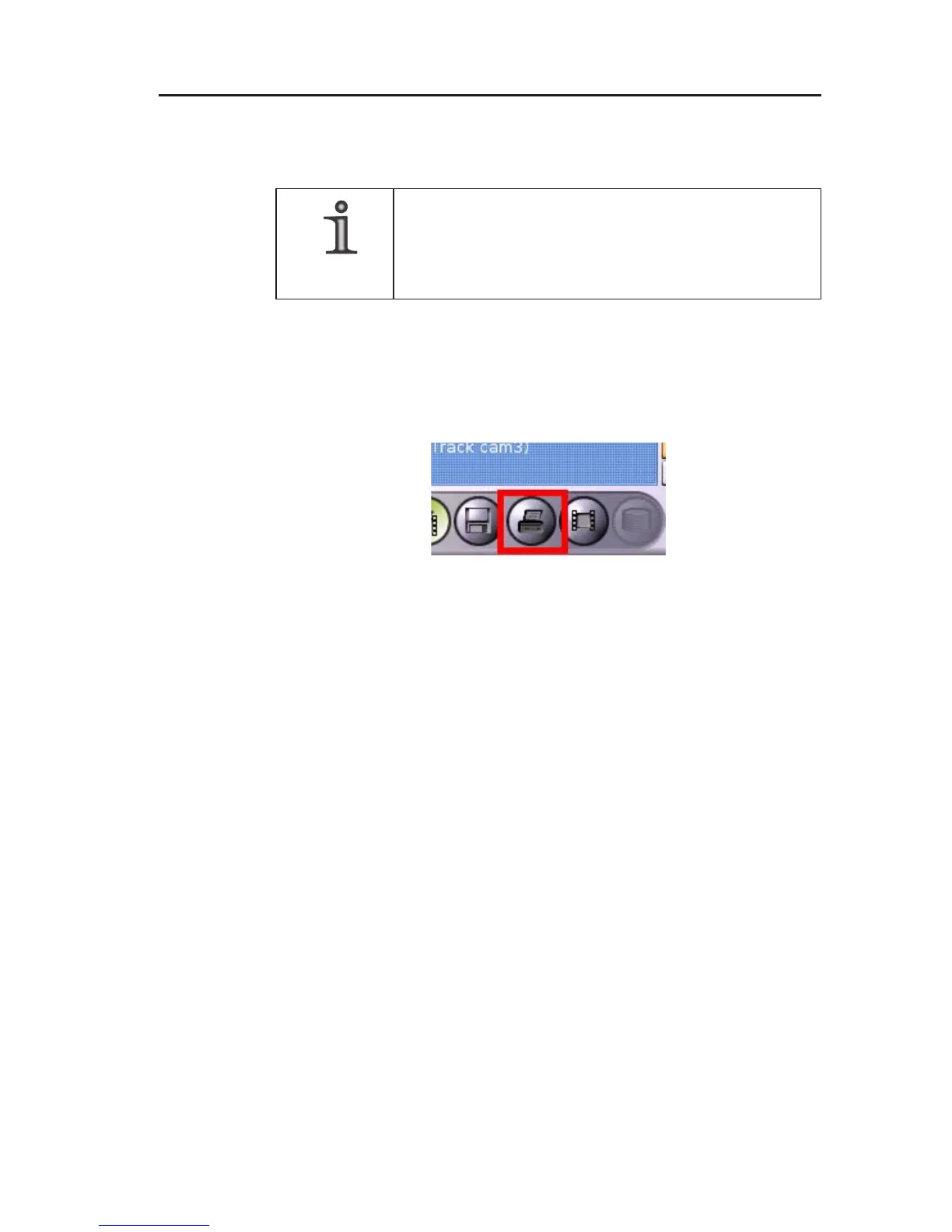
7.5 Printing an image
" Click the Print image button to print the currently displayed image.
This function is also provided when using the magnifying glass.
7.6 Exit playback mode
" Click on the Exit playback mode button to end the playback of a
track.
Fig. 7-10: Print image button



 To Next Page