68
Dallmeier electronic GmbH & Co.KG
DMS 240 / DMS 160 / DMS 80
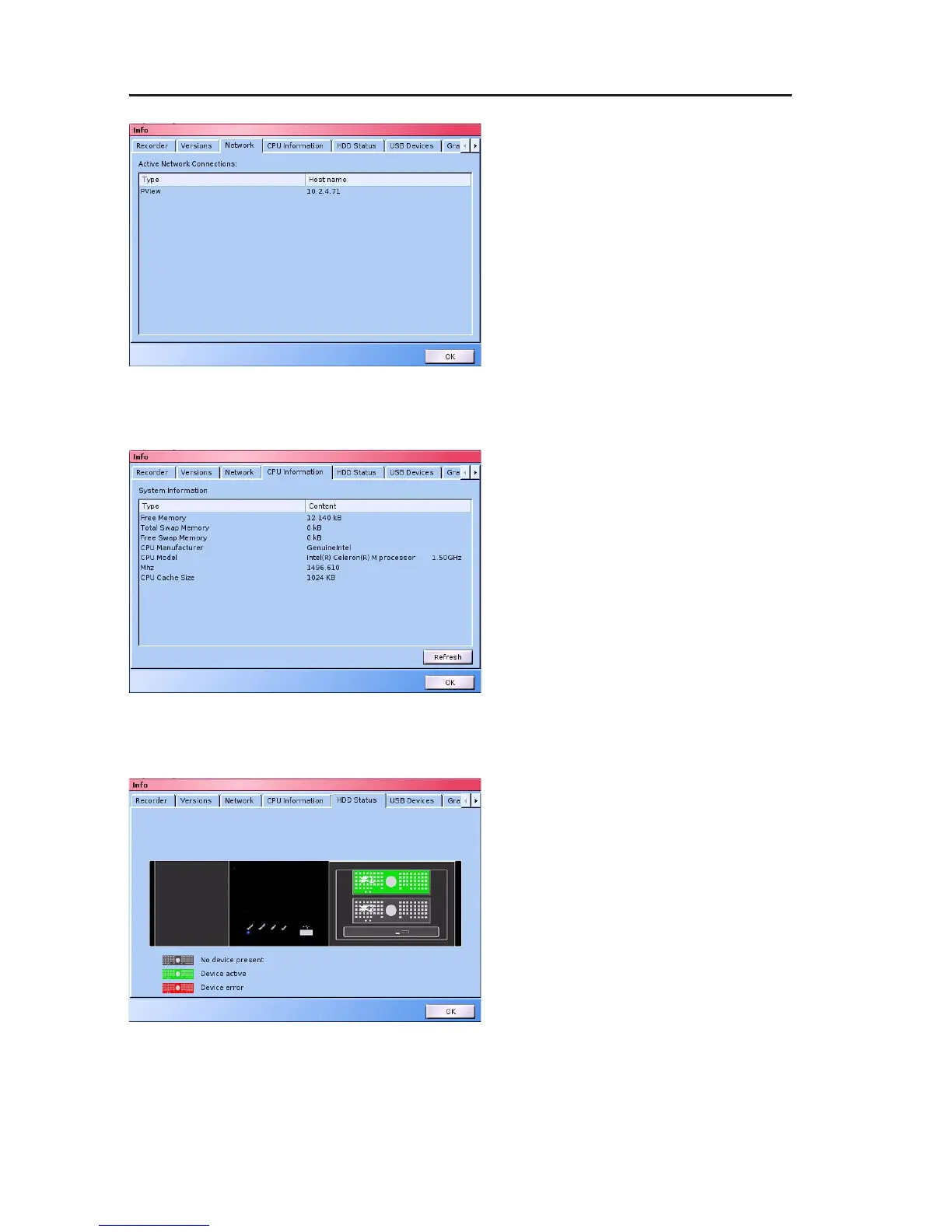
Network connection
Active network connections are
listed on the Network connections
tab.
Here, you can determine which
user (IP address/Host name) is
accessing the system at the time
of the inquiry.
All the connections using the DaVid
protocol are displayed (for example,
DMS WebAccess, PView, etc.).
CPU Information
The CPU Information tab provides
detailed information on the used
CPU.
HDD Status
The HDD status tab provides an
overview of the HDDs connected to
the recorder. Defective HDDs are
displayed in red.
Fig. 13-3: Network connections tab
Fig. 13-4: CPU Informationen tab
Fig. 13-5: HDD Status tab



 To Next Page