56
Dallmeier electronic GmbH & Co.KG
DMS 240 / DMS 160 / DMS 80
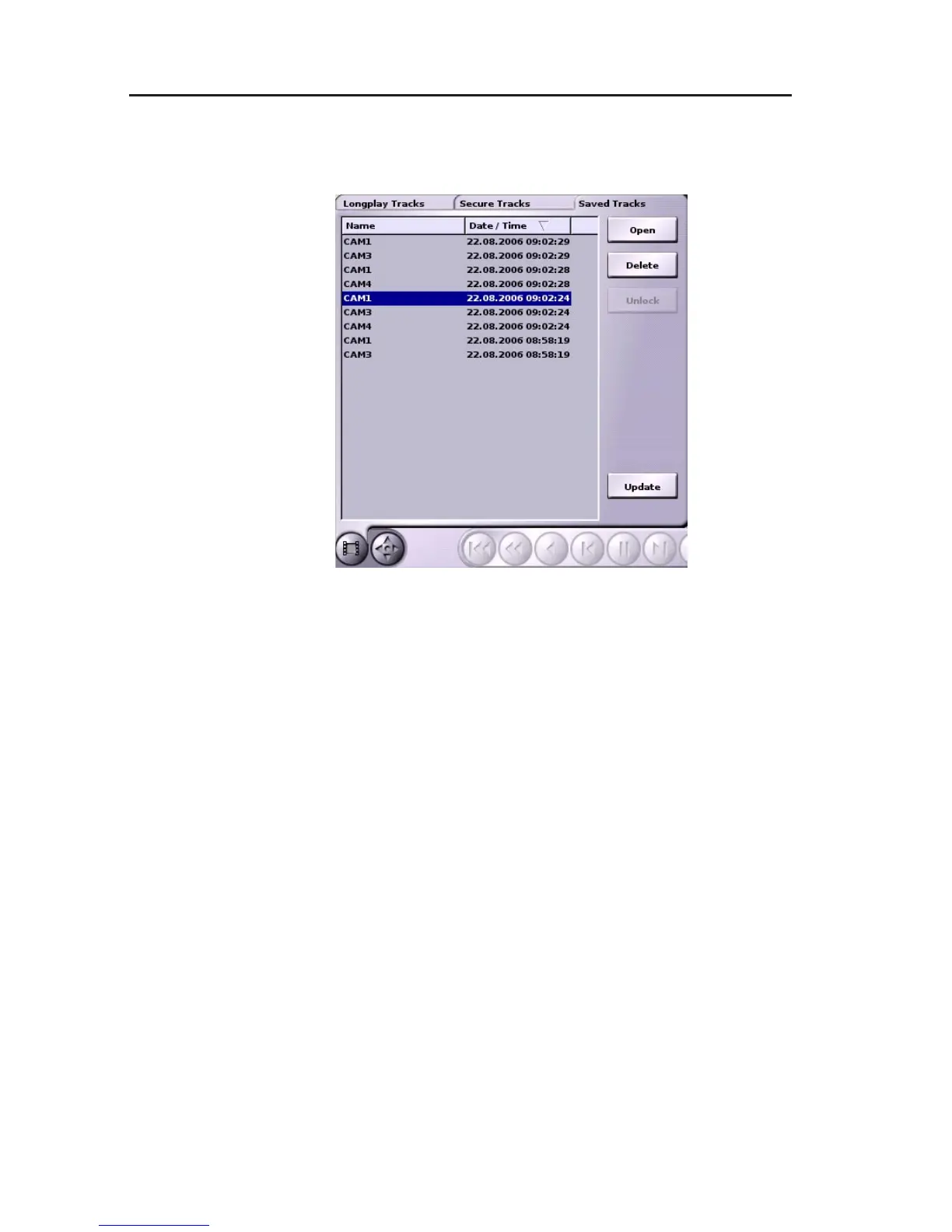
" Open the Select track panel to erase a saved track.
" Click on the Saved Tracks tab.
" Left-click the relevant track.
" Click on the Delete button.
Fig. 10-2: Select track panel/Saved Tracks tab



 To Next Page