CONTENTS
USER’S MANUAL
53
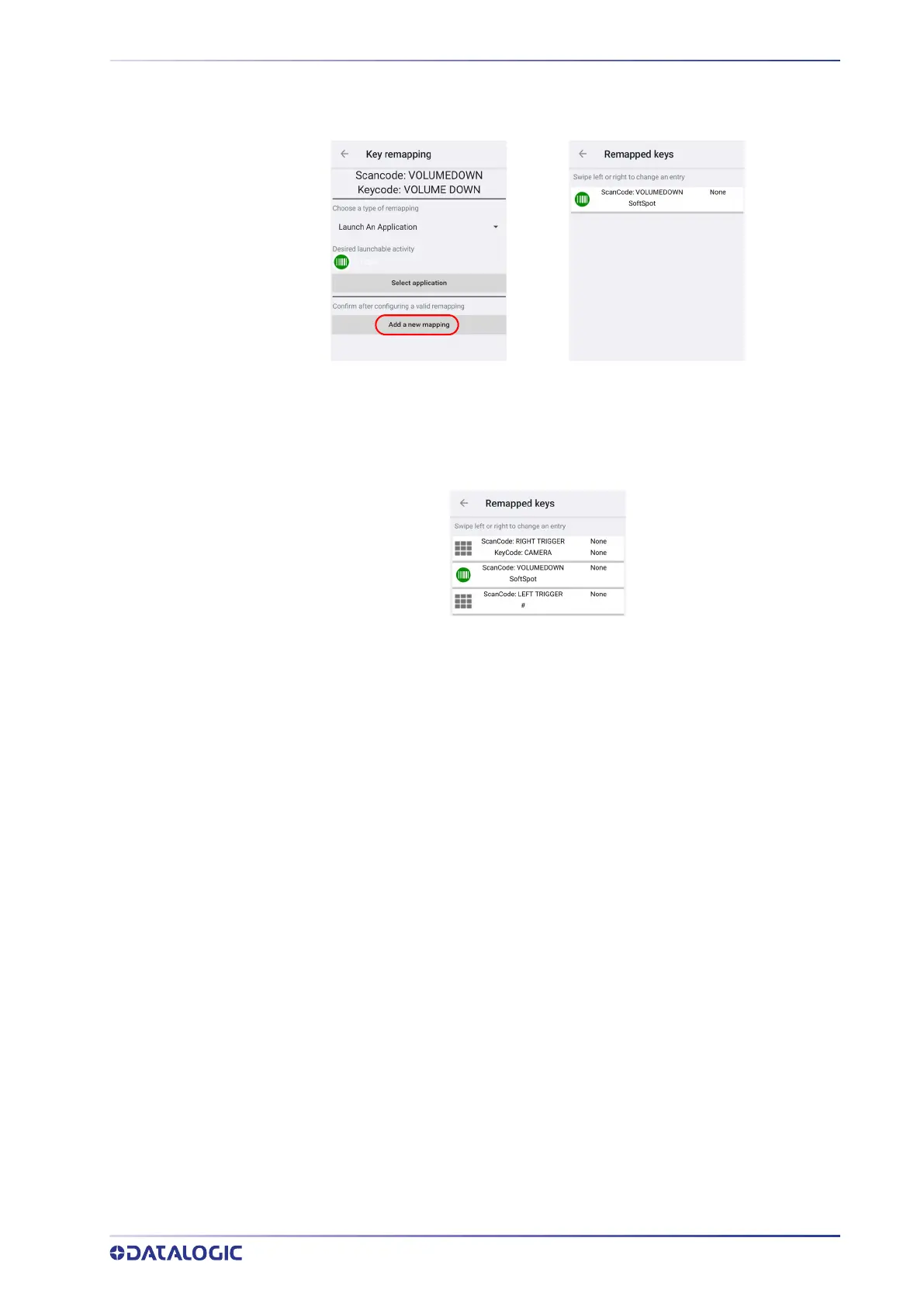
Select the desired application and then tap Add a new mapping. A window displays
showing the new keymap:
View All Remapped Keys
Tap View all remapped keys to display all remapped keys. Swipe left to edit an entry.
Swipe right to remove an entry.
Key Mapping Reset
Resets all the remapped keys default.
Push to Talk
Push to talk (PTT) is a means of instantaneous communication that uses a button to
switch a device from voice transmission mode to voice reception mode. Memor 30/35's
PTT is compatible with Zello.
Use the Push to talk settings to:
• enable/disable notifications when PTT configuration changes
• launch a walkie-talkie app by pressing the PTT key while the screen is locked
• select a walkie-talkie application.



 To Next Page