CONTENTS
54
MEMOR™ 30/35 FAMILY
Ethernet
Use the Single Slot Charging/Communication Dock (available as an accessory, p/n
94A150114) or the 4-Slot Charging/Communication Dock (available as an accessory, p/n
94A150119) to connect your device to an Ethernet network (see "
Ethernet Connection"
on page 88
).
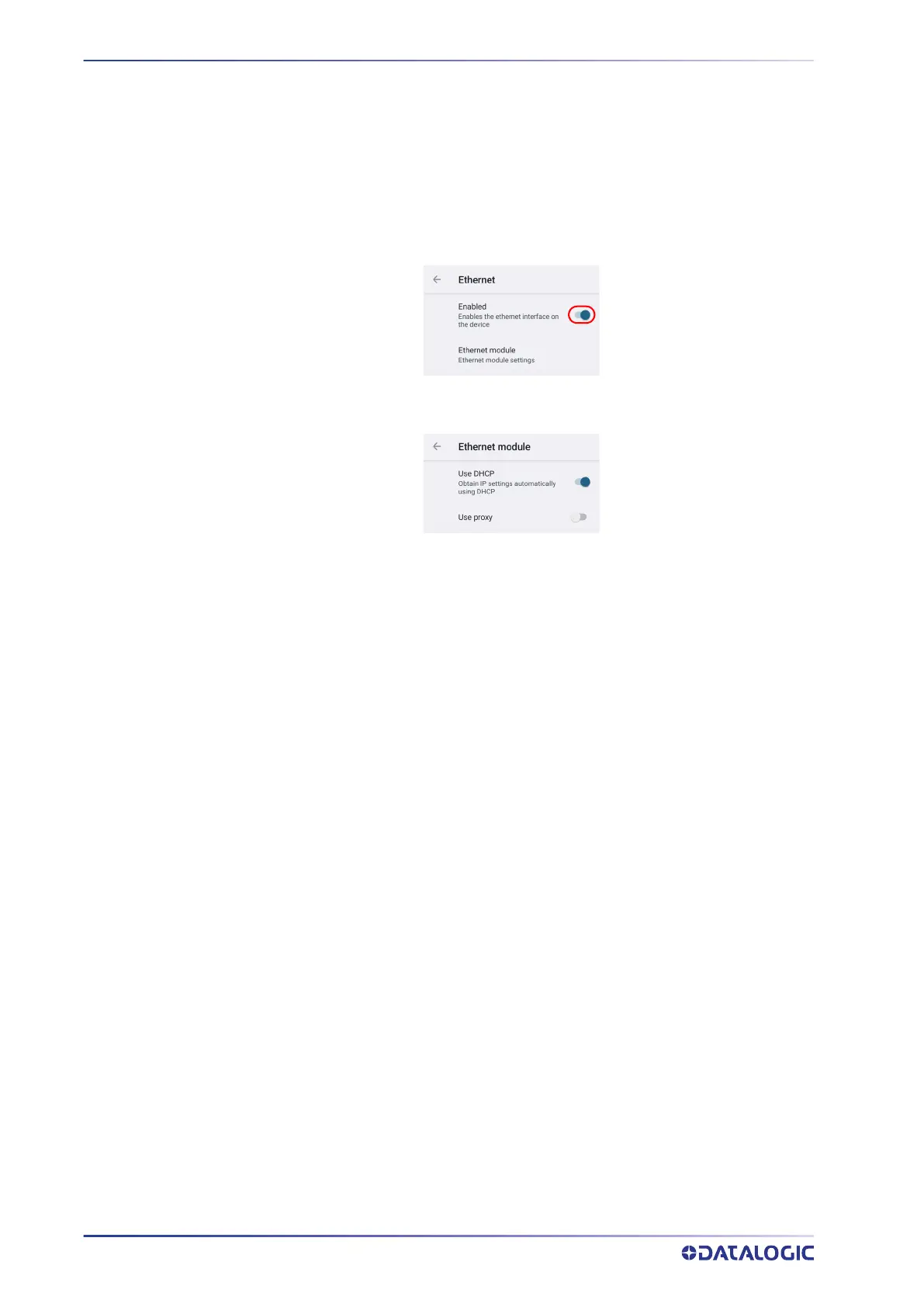
To enable ethernet communication, tap Datalogic Settings > Ethernet and switch right
to the on position.
Tap Ethernet module to configure the ethernet settings.



 To Next Page