AP20 Installation and Operating Guide Page 44
AP20 Installation & Operating Guide Document # 9301H39200 Ver. 1.25
2.13 Final Adjustments
After performing the EQ, take another SPL level reading. If the SPL reading has changed, use the Level
control (Third Octave EQ screen) to raise or lower to the proper SPL level for each channel (see Table 9
on page
39).
2.14 Copy Format
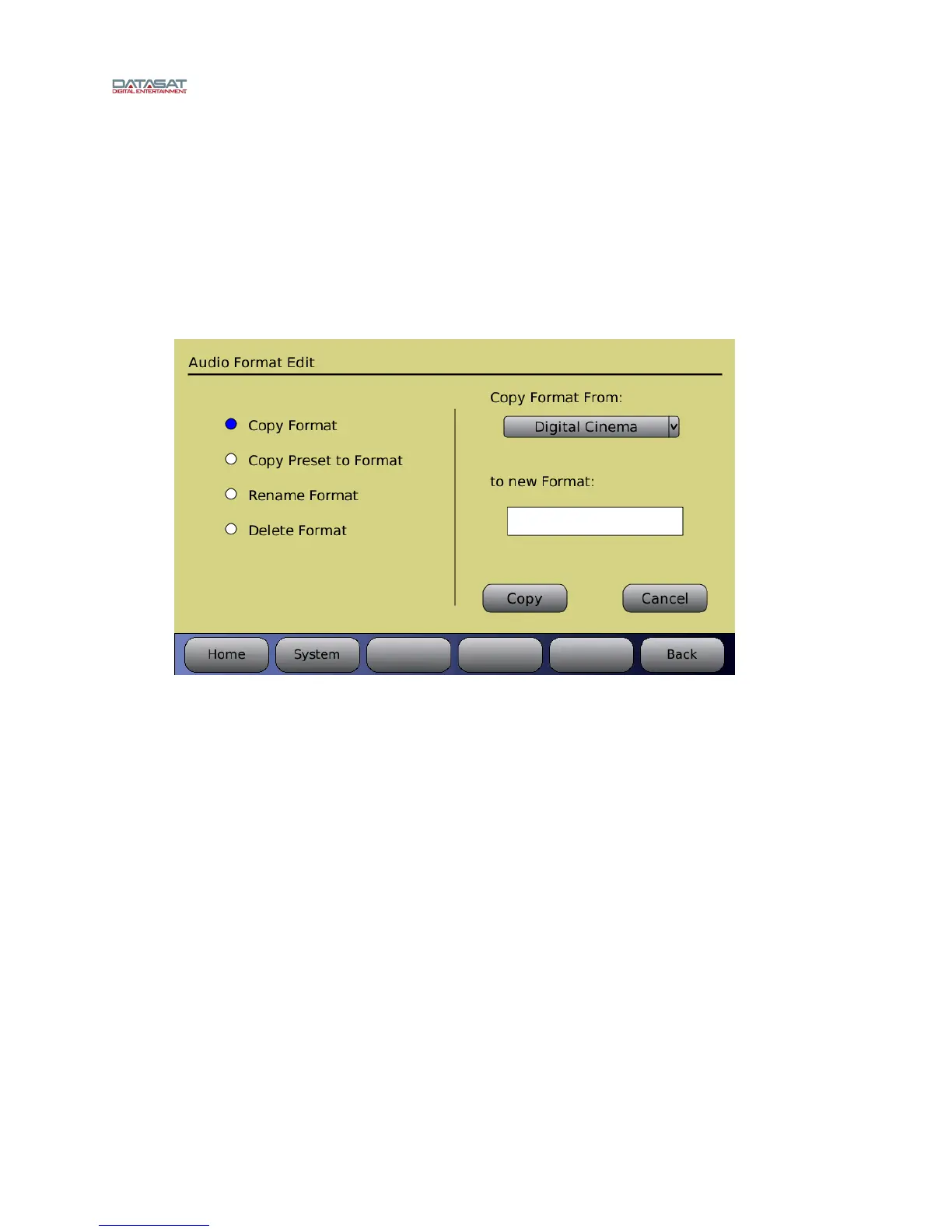
When a format has been configured, you may want to copy it to a new format, as a starting point, to save
time in configuring the next format. For details, see Edit Formats, page 65.
Menu (System) > Formats > Edit Formats > Copy Format
Figure 23. Audio Format Edit, Copy Format
For details about Copy Preset to Format, see 2.8.1 Preset Formats, page 32.
2.15 Setting up Multiple Screens
After setting up one screen (auditorium), you can copy the setup parameters including format names,
channel assignments and EQ settings to other screens. This minimizes the time required for installing
similar theaters since many of the values may be the same.
To do this, save the setup configuration on a memory stick (USB Flash drive), then use the saved setup
to copy to the AP20 for the next screen, since many or all the values will be the same.
Menu (System) > USB Save/Restore > Save on USB > Master Configuration
See Saving and Restoring Configuration Files, page 58 for more details.
2.16 Using Dirac Live® to Tune the Auditorium
See the Dirac Live
®
Theater Setup Guide for detailed instructions. The Dirac Live
®
application is a
separate tool, available from Datasat Digital Entertainment but not supplied with the AP20 processor.
2.17 AP20 Playback Sound Check
After installing and setting up the unit—or doing a maintenance check—it is a good idea to play content
and stand in the theater while listening to the first few minutes of the movie. Check for the following



 To Next Page