AP20 Installation and Operating Guide Page 52
AP20 Installation & Operating Guide Document # 9301H39200 Ver. 1.25
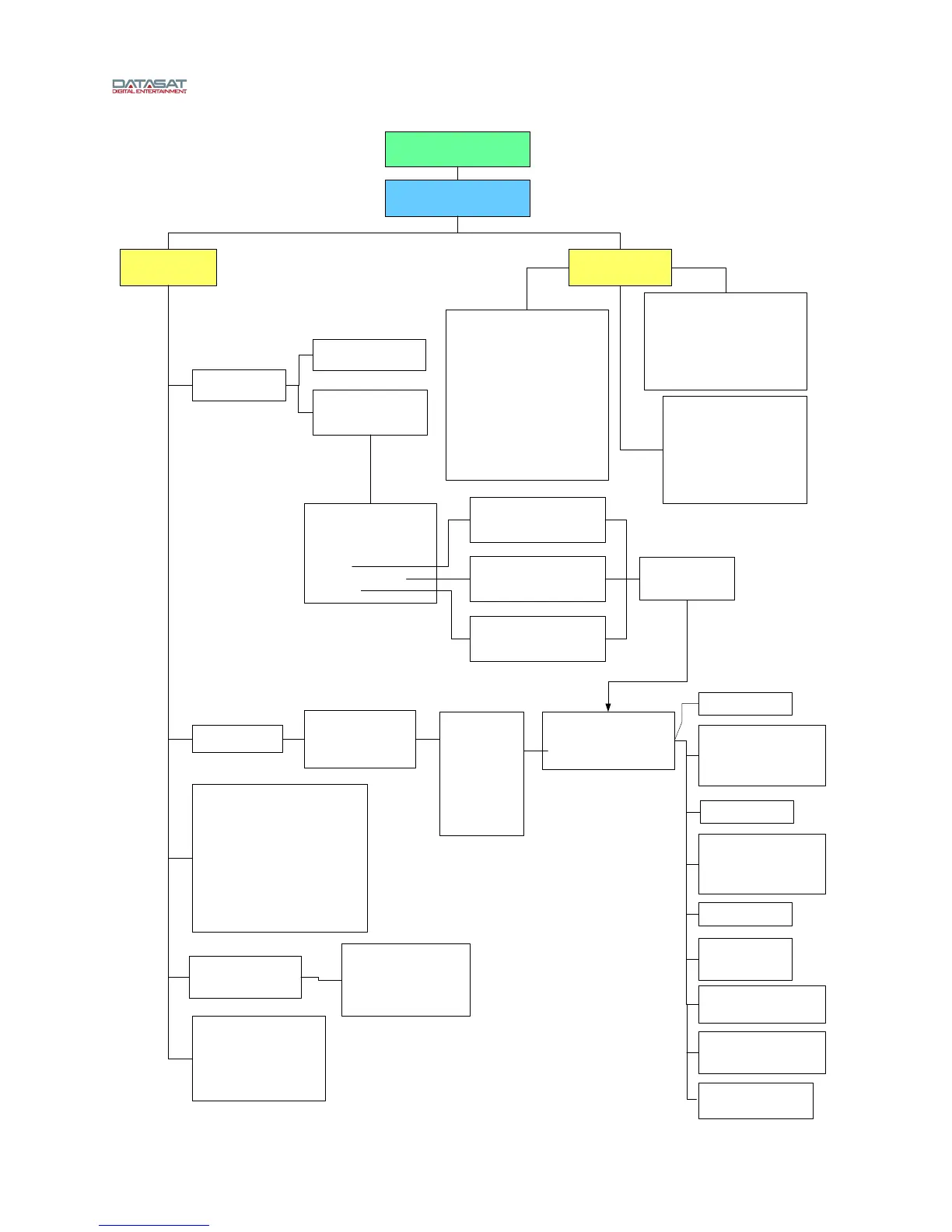
AP20 Menu Structure
Software V1.04.00 and above
(Page 5)
Home
Setup (System)
Network
Network Configuration:
DHCP/Sta ic (select)
IP Address
Mask
Broadcast Addr
Gateway
DNS Server 1
DNS Server 2
NTP Server
Log Server
Speed (Auto, 10Mb/s, 100Mb/s)
Connec ion Status
Automation
Test
GPIO 1-18
GPO 19, 20
Proj 1/2
(select button to send an
automation signal low)
Buttons (1-20)
Name (assign/edit)
Serial
Baud Rate (select)
1200, 2400, 9600, 19200,
38900, 57600, 115200
Data Bits (select)
7, 8
Serial Command Mode (select)
AP20
Linked AP20
Panastereo
6AD
Macros
Events
Actions For
“(macro)”
Add Before
Add After
Delete
Edit
Copy
Move Up
Move Down
Automation Macros
Add
Delete
Copy
Automation Edit Action
Always
Condi ional
Delay (mS)
GPO
Set (1-20, Projector)
To (Pulse, Low, High)
Width (ms)
Mute (On/Off)
Format (select)
Network
IP Address (set/edit)
TCP Port (set/edit)
Data (set/edit)
Automation Events
Add New Event
Edit Event
When (choose: GP1-
GP18, projector)
Goes (choose: low, high)
Automation Events
Delete Event
Automation Edit Event
Event Name (set/edit)
Event Type:
No Event
GPI
Input Change
Serial
Run:
Ac ion
Macro (choose)
When Input changes to:
(choose format)
When Serial Data
Matches (enter data or
select “Capture” button)
Net Diag:
Ping Test (Select Destination)
Log Net Stats
Phy Interface info
Rx info
Tx info
DCHP info
SNMP:
Agent Mode (Select):
Disabled
v1
v2
Manager IP Address
roCommunity
rwCommunity
Fader
Set
Adjust
Serial (enter serial data
to send)
Set Variable
Variable Name (Enter)
Set to (False/True)
Automation Edit Event
(for button 1-20 when pressed)
Run
Ac ion (assign/select)
Macro (assign/select)
Run Macro
Marco name (select)



 To Next Page