Connecting the Workstation
Step 8:
Keyboard and
Mouse Cables
to Extension
Cable
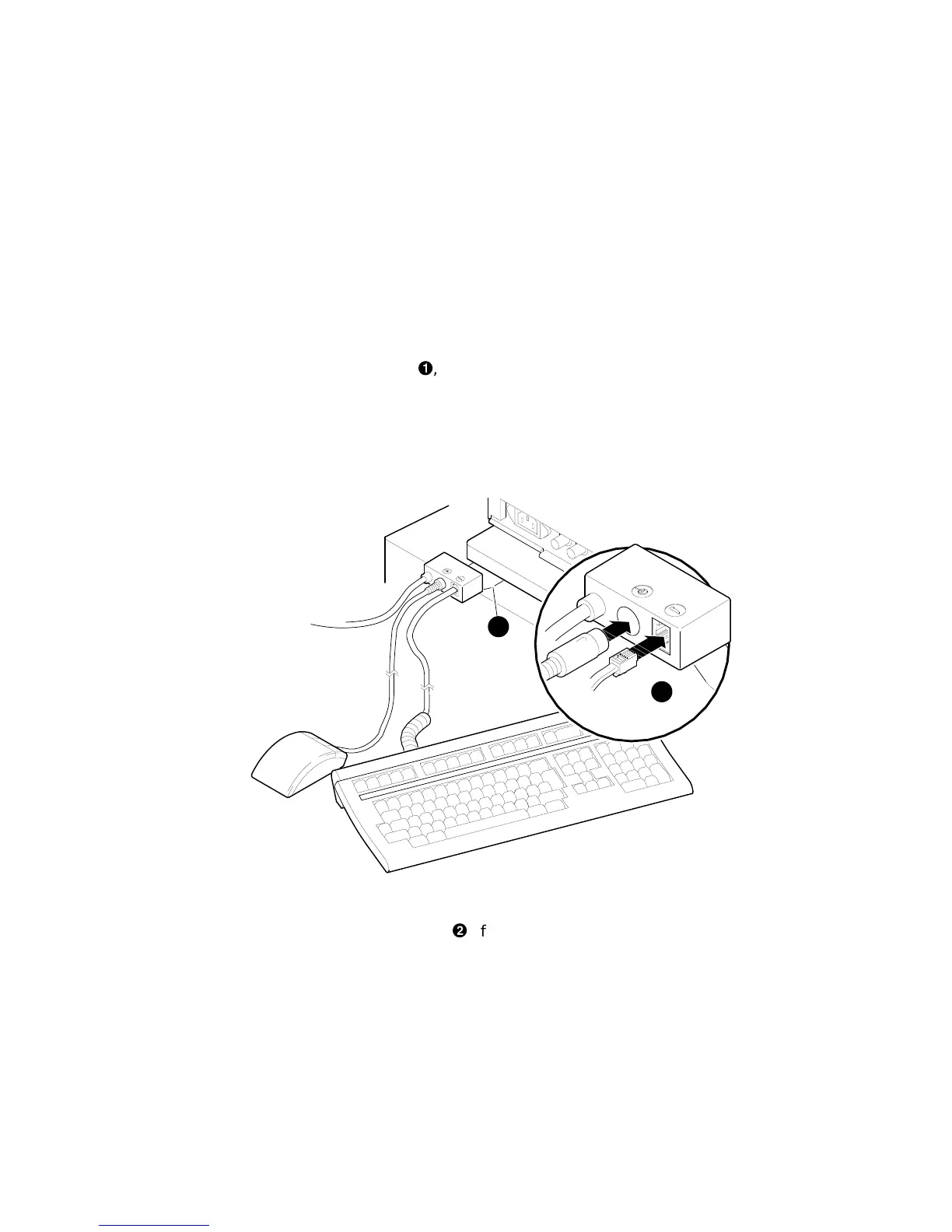
Connect the keyboard cable and the mouse cable to the keyboard/
mouse extension cable
!
, as shown in Figure 3–7. The extension
cable is provided for the mouse and keyboard so that each can be
located away from the system unit.
Figure 3–7 Connecting the Keyboard and Mouse to the
Extension Cable
MLO-010362
1
2
The Plastic
Mylar Tab
To keep the keyboard/mouse extension cable in position, you can
place the plastic Mylar tab
"
of the extension cable under the
base of the monitor.
Installing a Workstation System 3–13



 To Next Page