Edit Configuration – Advanced – PLC Logic
108
4.15.2.4 COUNTERS
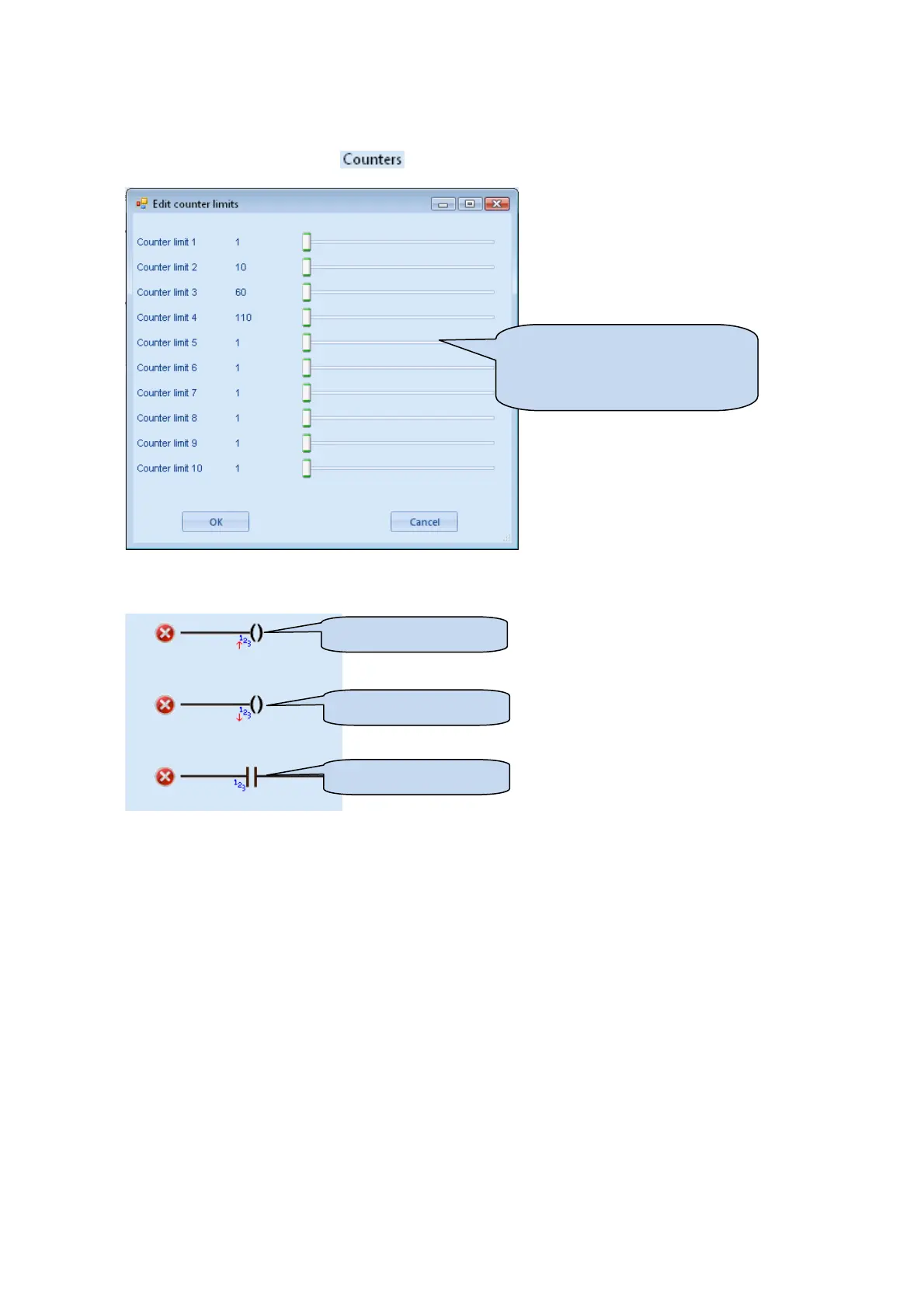
The PLC logic section contains twenty (20) user counters for use in the ladder.
A counter is configured by clicking in the menu bar. The ‘Edit counter limits’ window appears.
A counter is used by incrementing (adding to) or decrementing (subtracting from) to the counter on the ladder.
Upon the counter reaching the configured ‘Counter limit’, a test for the counter will be successful:
Increment Counter
Test Counter
Click and drag to change the
setting, or press keyboard left and
right arrow keys to change by small
amounts.
Decrement Counter



 To Next Page