Edit Configuration – Alternative Configurations
88
4.13 ALTERNATIVE CONFIGURATIONS
Alternative Configurations are provided to allow the system designer to cater for different AC requirements
utilising the same generator system. Typically this feature is used by Rental Set Manufacturers where the set
is capable of being operated at (for instance) 120V 50Hz and 240V 50Hz using a selector switch, or by taking
advantage of the “auto voltage sensing” option of the module.
There are four configurations within the module, the main configuration file, and three selectable Alternative
Configurations.
Selecting between the main and alternative configurations is achieved using either:
• Configuration Suite Software (Selection for ‘Default Configuration)
• DSE7400 Series Fascia Editor
• Via external signal to DSE7400 Series module input configured to “Alt Config x” select.
• Auto Voltage Sensing. Whereby during the starting sequence, the AC system, voltage and frequency
of the connected supply is monitored. The module selects the most appropriate configuration
(alternative 1, 2 or 3 or the main configuration) to suit the connected supply.
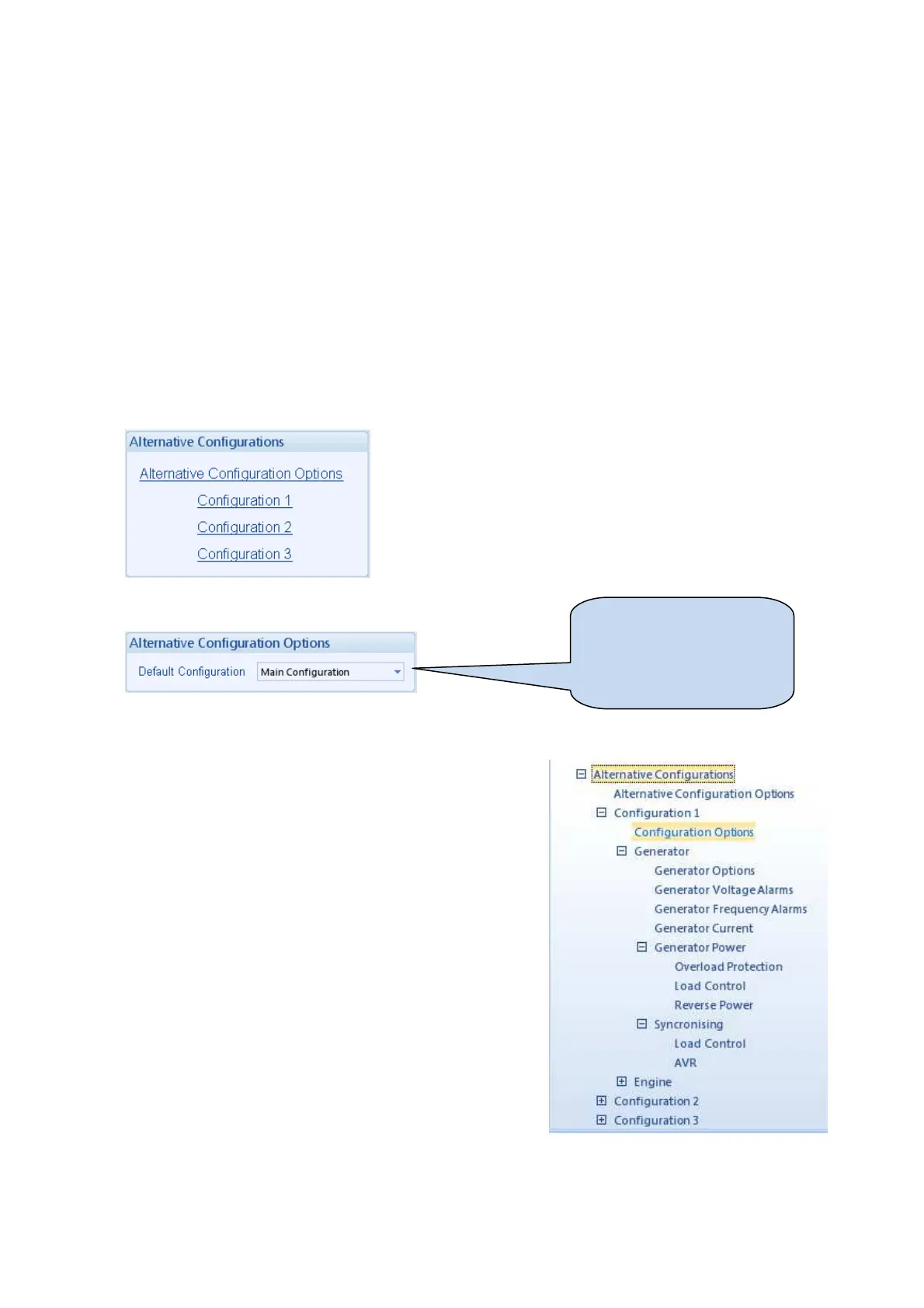
4.13.1 ALTERNATIVE CONFIGURATION OPTIONS
4.13.2 ALTERNATIVE CONFIGURATIONS EDITOR
The Alternative Configurations Editor allows for editing of the
parameters that will be changed when an Alternative
Configuration is selected.
Alternative configuration options contain a subset of the main
configuration. The adjustable parameters are not discussed here
as they are identical to the main configuration options.
Select the ‘default’
configuration that will be used
when there is no instruction
to use an ‘alternative
configuration’.



 To Next Page