Edit Configuration – Expansion
98
4.14.3 DSE2133 RTD / THERMOCOUPLE INPUT MODULE
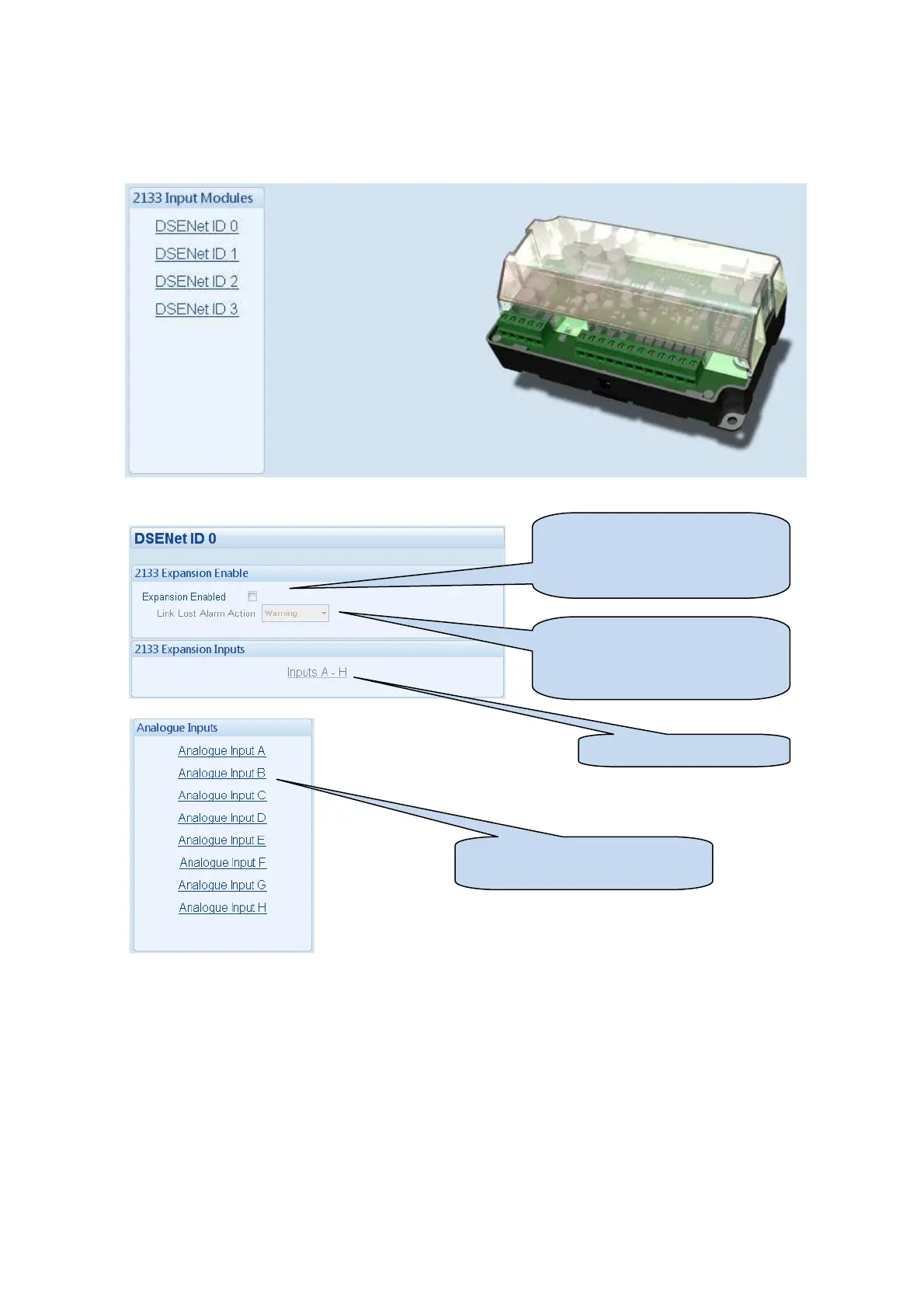
Select the DSENet ID of the input expansion you wish to configure. The ID of the expansion input module is
set by rotary decimal switch accessible under the removable cover of the device.
The following is then shown:
Click to enable or disable the
option. The relevant values below
will appear greyed out if the alarm
is disabled.
Select the alarm type of the
lost alarm. This alarm will take
action if the expansion module is
not detected by the host module.
Click to configure the inputs
Then select which input you want
to configure



 To Next Page