Edit Configuration – Advanced – PLC Logic
110
User Defined alarms
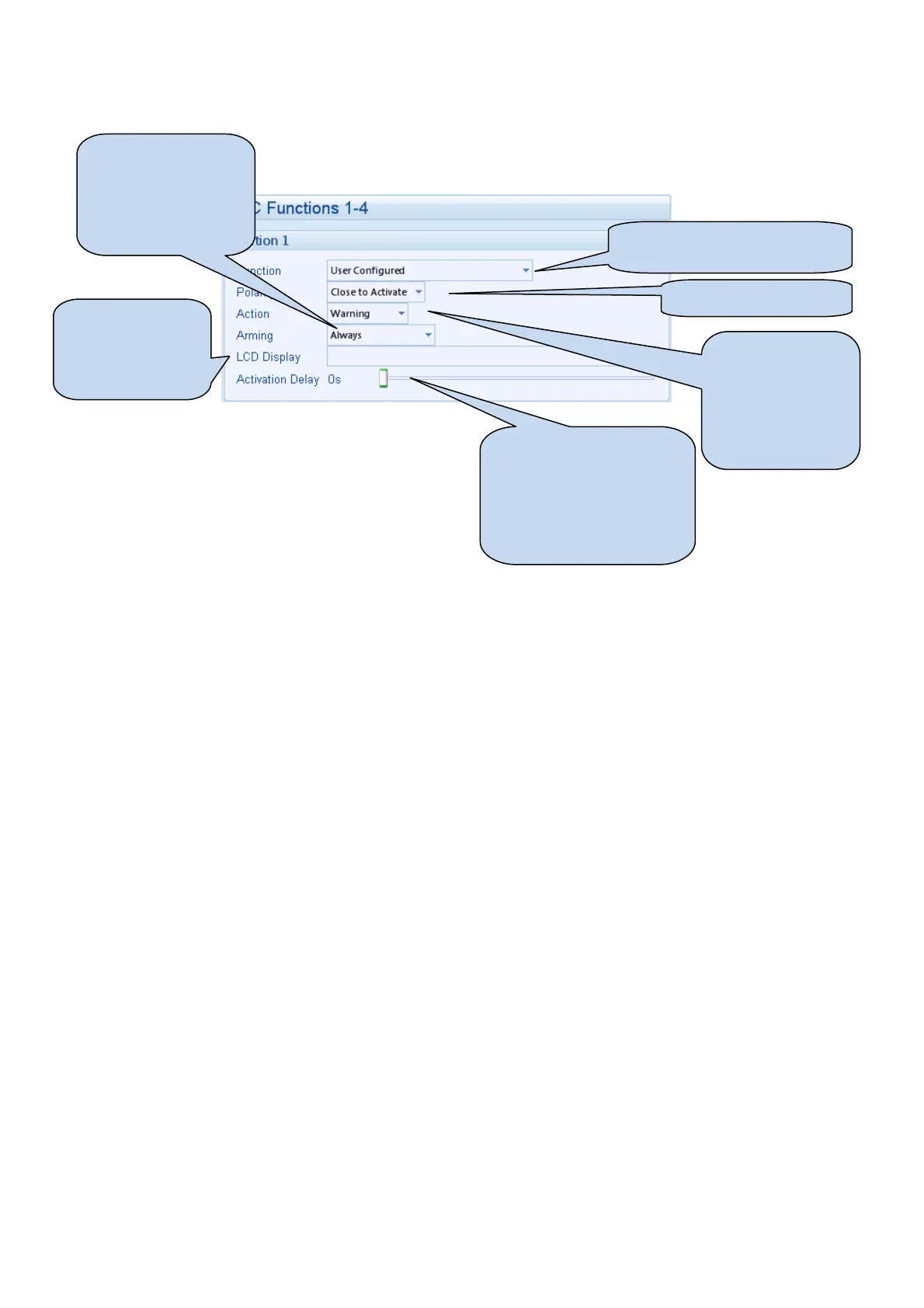
Example of a user configured
input
Close or open to activate
Select the type of
alarm required.
For details of these,
see the section
entitled Alarm
Types elsewhere in
this document.
Click and drag to change
the setting. This is used to
give a delay on acceptance
of the input. Useful for liquid
level switches or to mask
short term operations of the
external switch device.
This is the text that
will be displayed on
the module screen
when the alarm is
triggered.
Configures when the
input is active:
Never, always, active
from starting, active
from the end of the
safety timer



 To Next Page