Maintaining the Toner Cartridge
Storing the Toner Cartridge
Store the toner cartridge in the original packaging until you are ready to install it.
Do not store the toner cartridge in:
l Temperaturesgreaterthan40°C(104° F)
l An environment with extreme changes in humidity or temperature
l Direct sunlight
l Dusty places
l A car for a long period of time
l An environment where corrosive gases are present
l An environment with salty air
Redistributing Toner
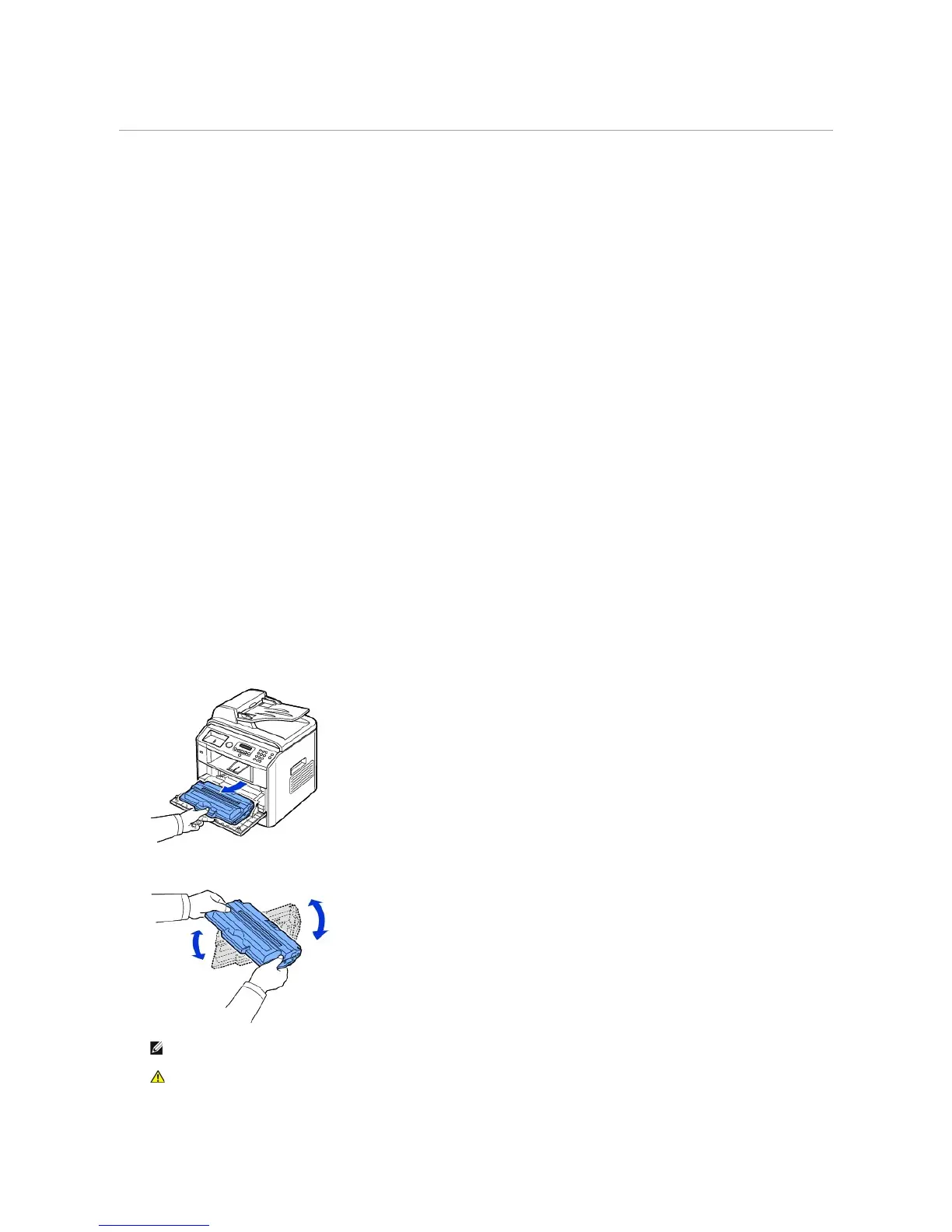
When the toner cartridge is near the end of its life, white streaks or light print occurs. The LCD displays the warning message, Toner Low. Thoroughly shake
the cartridge from side-to-side 5 or 6 times to distribute the toner evenly inside the cartridge and temporarily improve print quality.
1. Open the front cover.
2. Pull the toner cartridge out.
3. Thoroughly shake the cartridge from side-to-side 5 or 6 times to distribute the toner evenly inside the cartridge.
4. Holding the toner cartridge by the handle and slowly insert the cartridge into the opening in the printer.














 To Next Page