Powering On the Multi-Function Printer
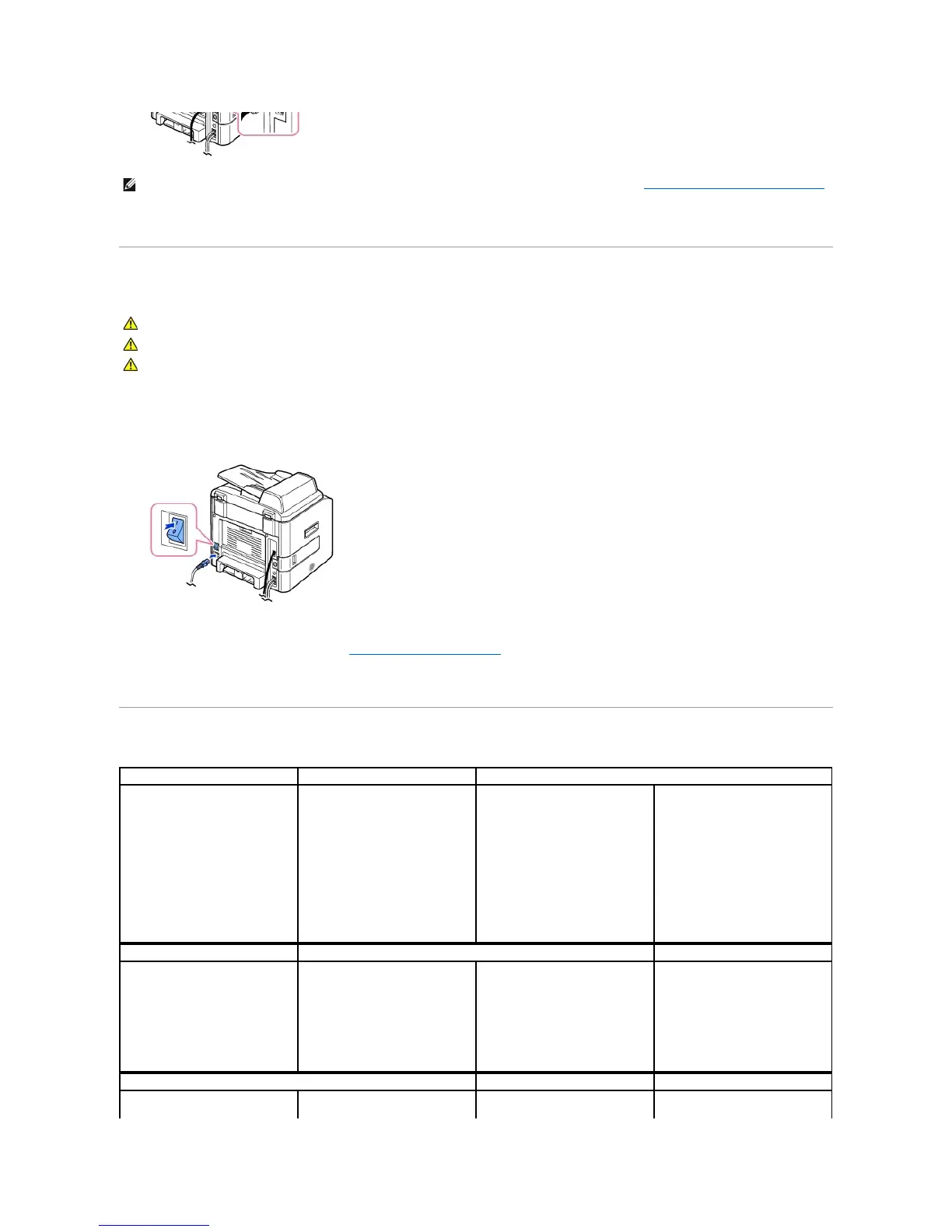
To power on the printer:
1. Plug one end of the power cord into the power receptacle at the back of the printer and the other end into a properly grounded outlet.
2. Press the power switch to power on the printer. Warming Up appears on the display indicating that the printer is now on.
To view your display text in another language, see "Changing the Display Language".
Dell Laser MFP 1815dn Menu Functions














 To Next Page