428 Clearing Jams
FILE LOCATION: C:\Users\fxstdpc-
admin\Desktop\0630_UG??\Mioga_SFP_UG_FM\Mioga_SFP_UG_FM\section27.fm
DELL CONFIDENTIAL – PRELIMINARY 9/13/10 - FOR PROOF ONLY
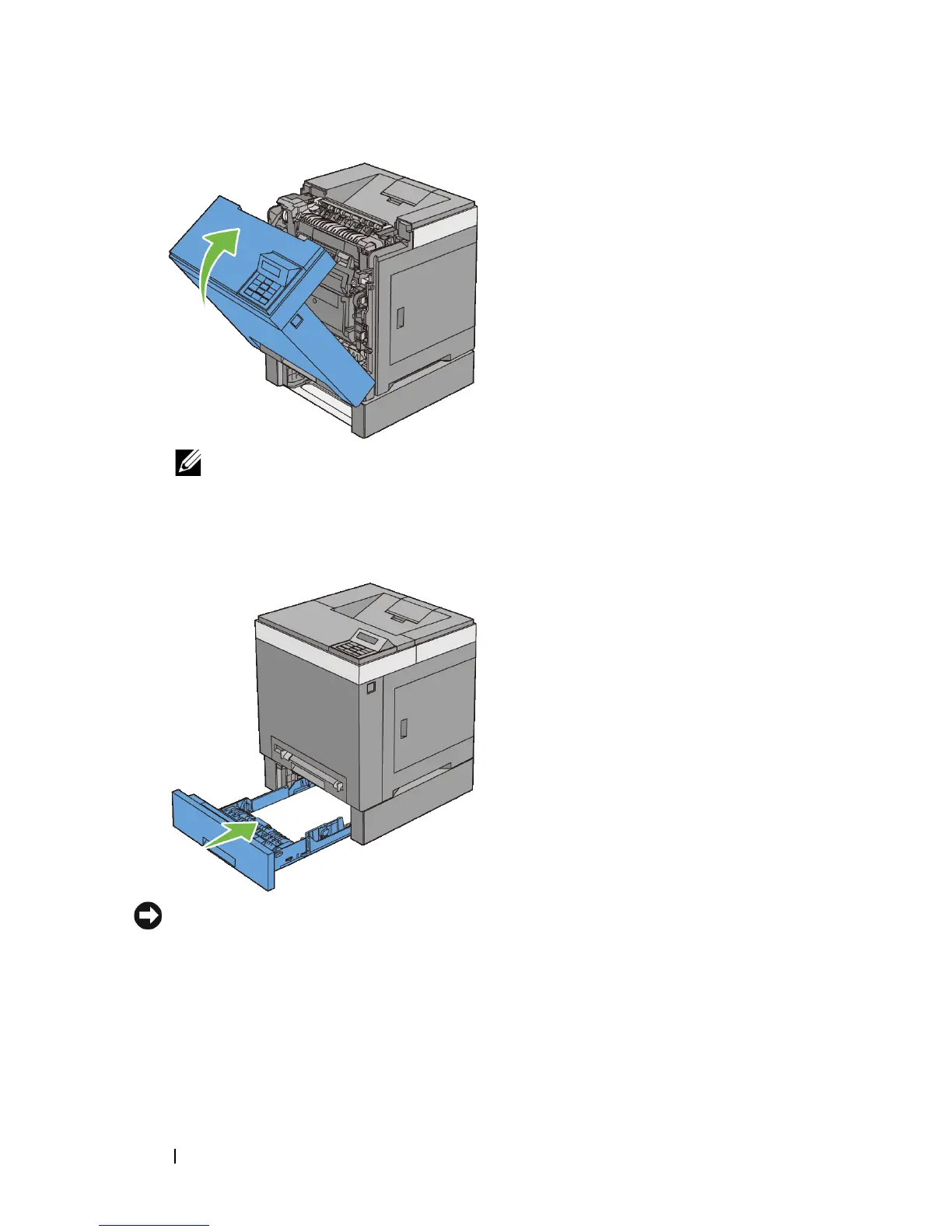
NOTE: If the paper jam message is not cleared after closing the front cover,
pull out the standard 250-sheet tray and check if there is a jammed paper in
the opening of the tray.
8
Insert the optional 250-sheet feeder into the printer, and push until it stops.
NOTICE: Do not use excessive force on the tray. Doing so could damage the tray
or the inside of the printer.











 To Next Page