Installing Optional Accessories 43
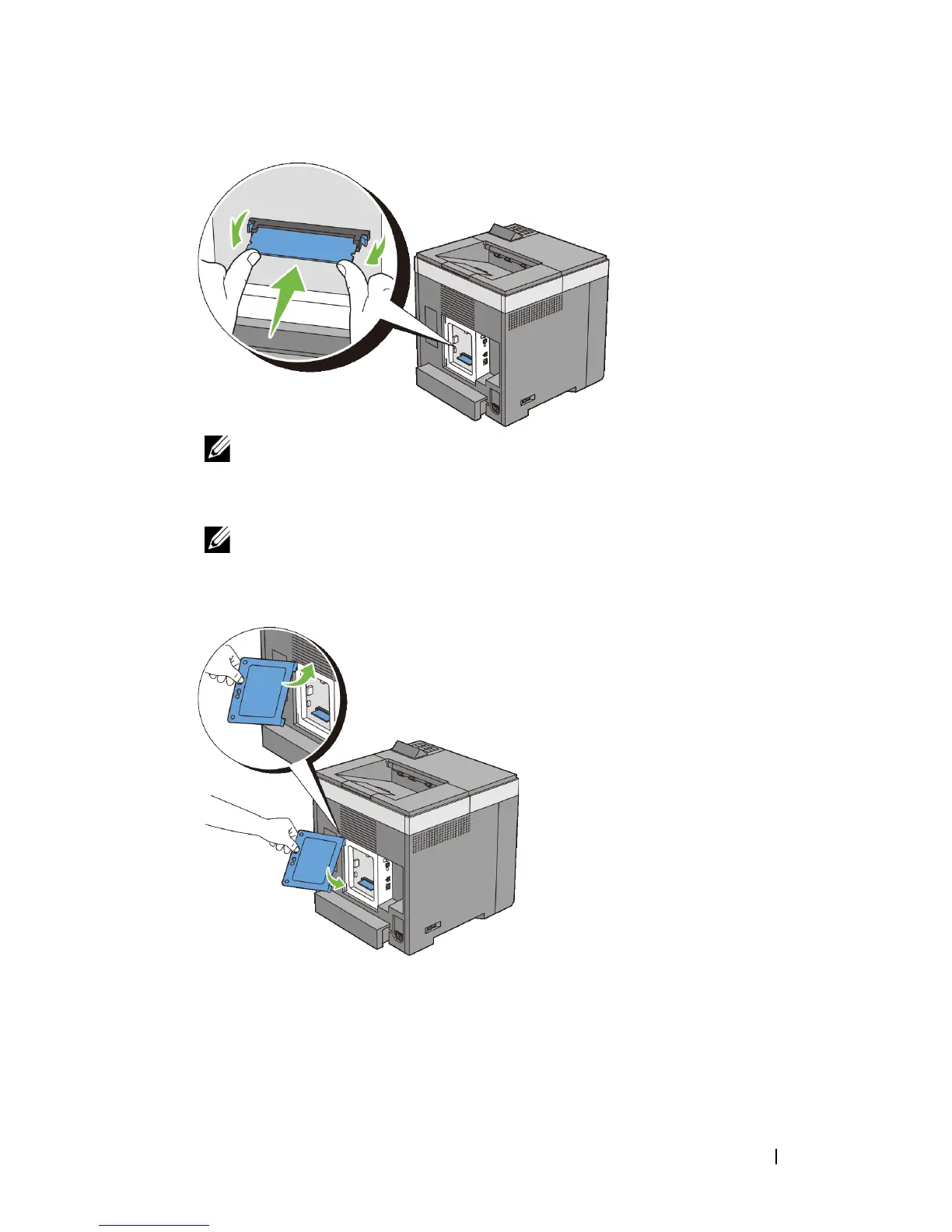
NOTE: Ensure that the memory module is firmly fixed in the slot and does
not move easily.
6
Install the control board cover.
NOTE: Insert the upper hinge of the control board cover into the upper slit
on the printer. Next, insert the lower hinge of the control board cover into the
lower slit of the printer.
7
Close the control board cover and turn the screw clockwise.











 To Next Page