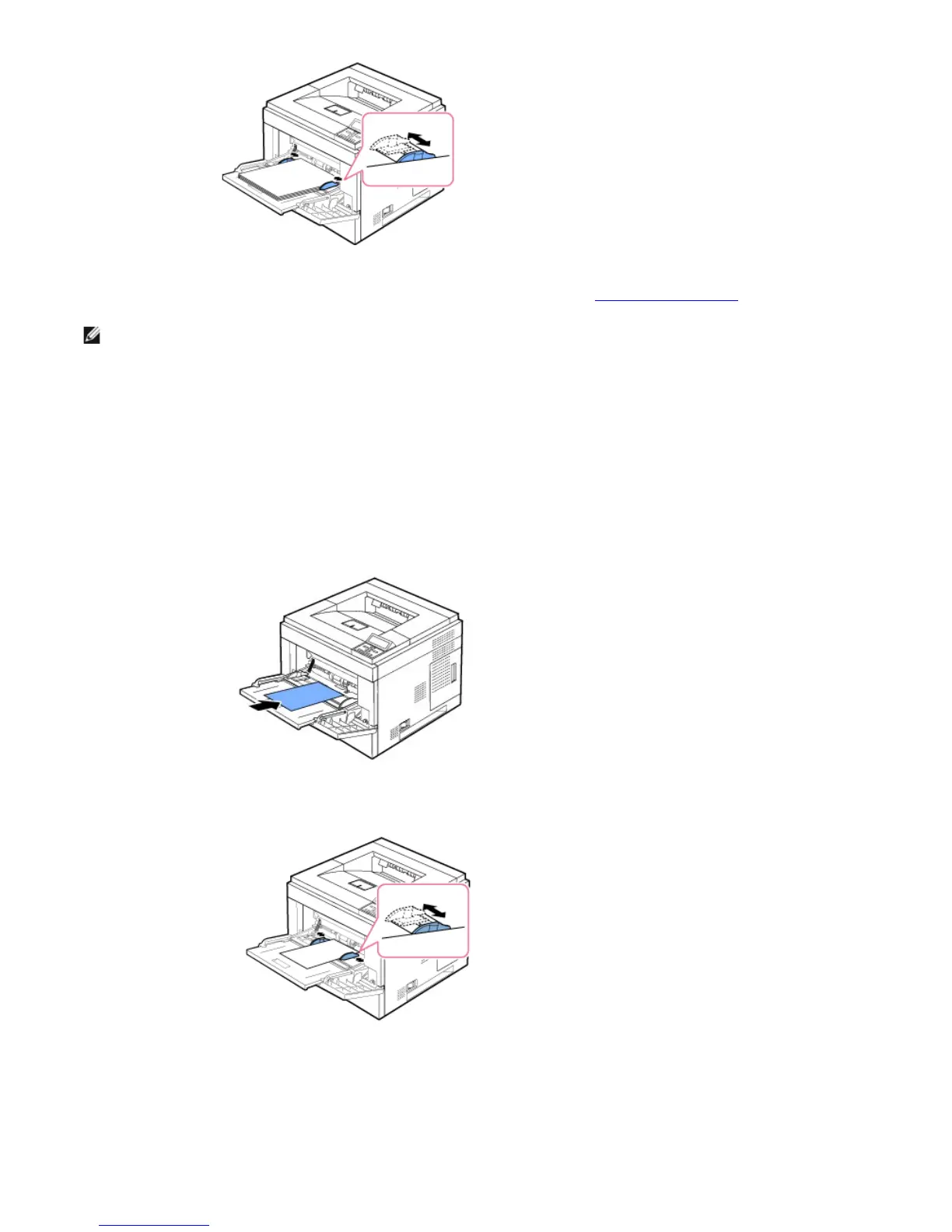
buckle resulting in a paper jam or skew.
5. After loading paper, set the paper type and size for the Multi-purpose Feeder. See "Setting the Paper Type".
NOTE: The printer driver settings override the settings on the operator panel.
6. After printing, return the multi-purpose feeder extension back to its place and close the Multi-purpose Feeder.
Printing on special print materials
To load special print materials in the Multi-purpose Feeder. To change print settings for printing a document, click on Paper tab, Source,
and MP Feeder.
This loading procedure is almost the same as the procedure for loading the Multi-purpose Feeder.
1. Load the paper with the side to be printed on facing up.
2. Squeeze the multi-purpose feeder width guides and adjust them to the width of the paper. Do not use too much force; the paper will
buckle resulting in a paper jam or skew.
3. To print a document, set the paper source to MP Feeder and select the appropriate paper size and type in the software application.
4. Print the document.
5. After printing, return the multi-purpose feeder extension back to its place and close the Multi-purpose Feeder.
Tips on using the Multi-purpose Feeder













 To Next Page