NOTE: If toner comes into contact with your clothing, wipe the toner off with a dry cloth and wash your clothing in cold
water. Hot water sets toner into fabric.
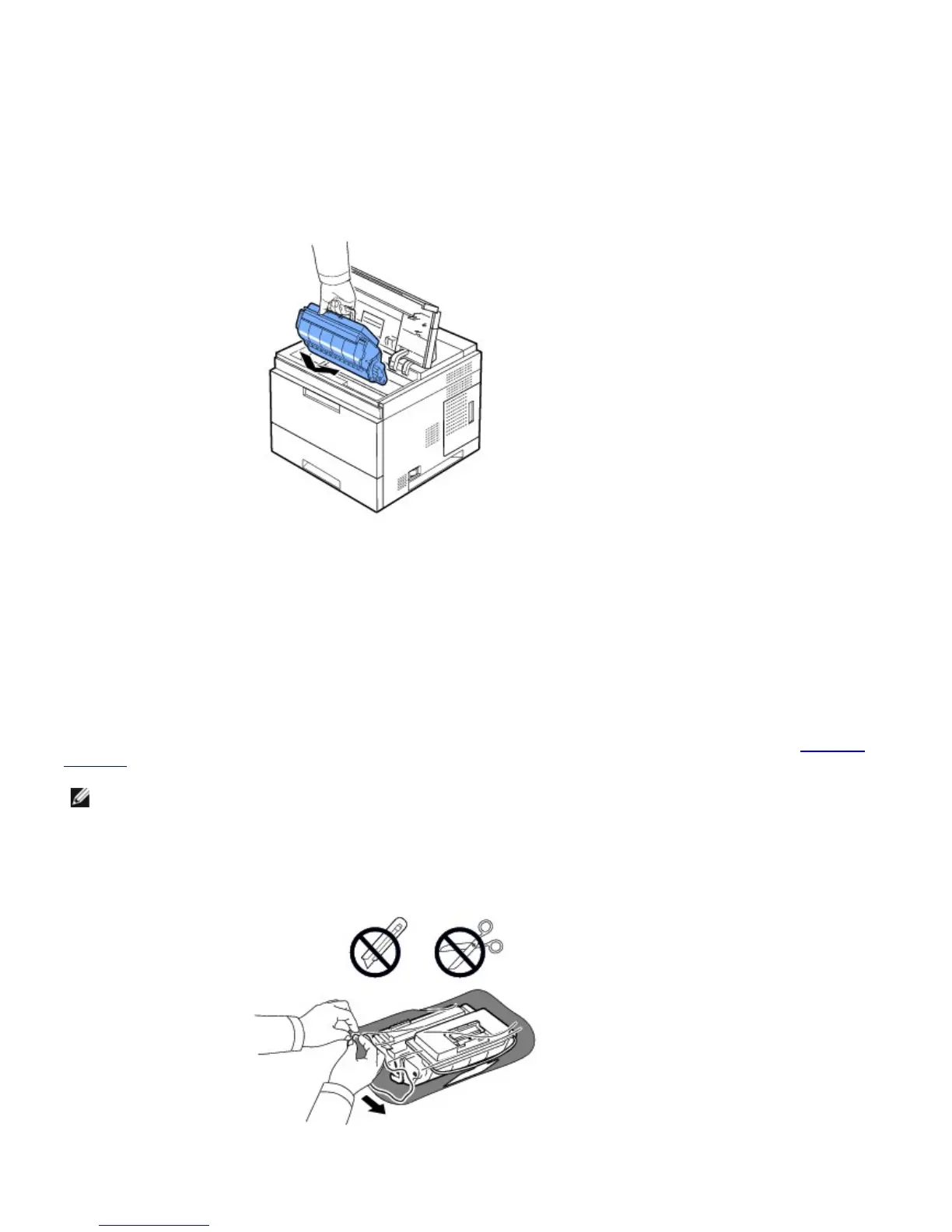
4. Hold the toner cartridge by the handle and slowly insert the cartridge into the printer opening.
5. Tabs on the sides of the cartridge and corresponding grooves within the printer guide the cartridge into the correct
position until it locks into place completely.
NOTE: Do not use excessive force when inserting the cartridge into the printer. Ensure cartridge is placed correctly
according to the tabs and grooves before applying any pressure.
6. Close the top cover. Ensure that the cover is surely closed.
Replacing the Toner Cartridge
At this stage, the toner cartridge needs to be replaced.
Order an extra toner cartridge to have on hand when the current cartridge no longer prints satisfactorily. See
"Ordering
Supplies" to order toner cartridges.
NOTE: For best results, use Dell toner cartridge. If you do not use Dell supplies, Dell does not guarantee print
quality and printer reliability.
To replace the toner cartridge:
1. Remove the new toner cartridge from its bag.













 To Next Page