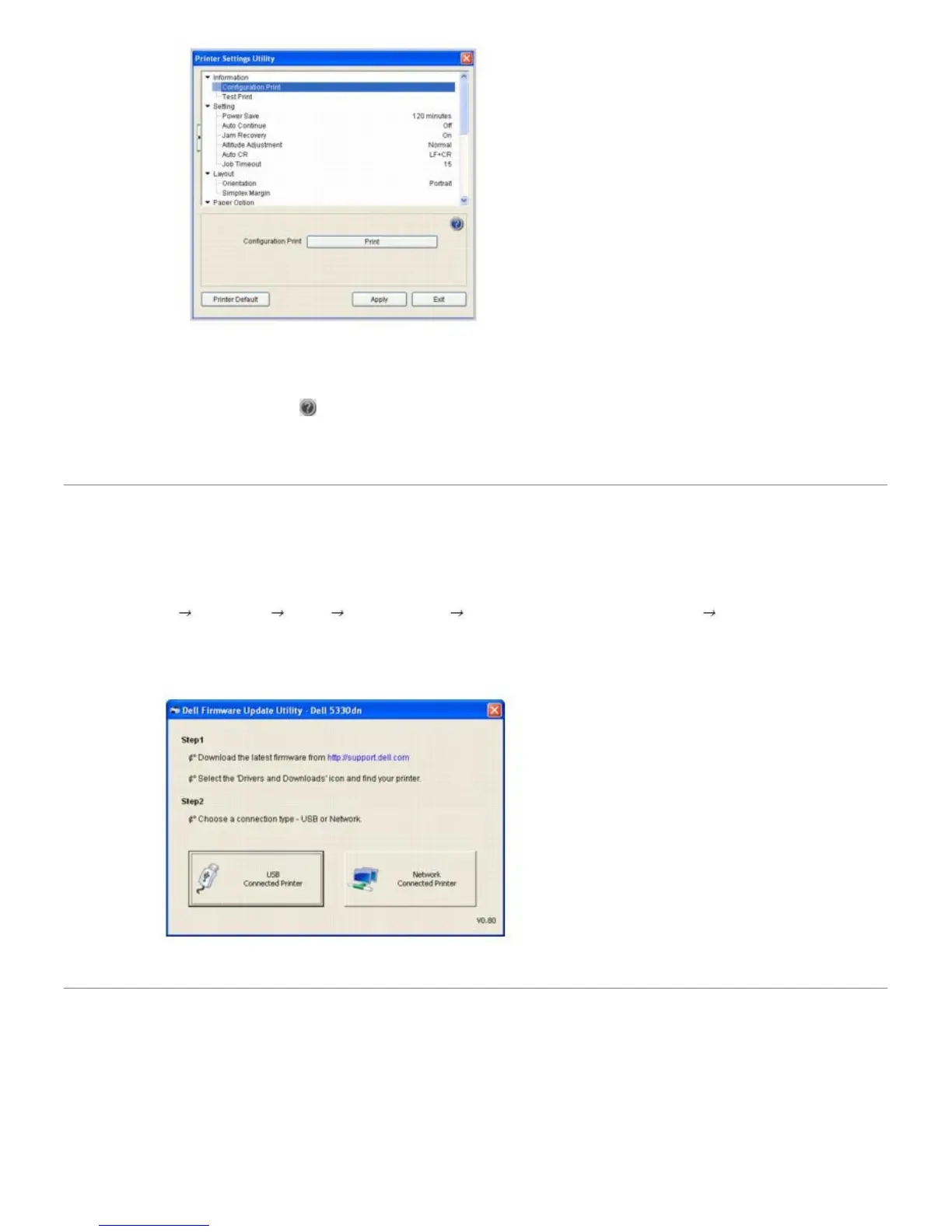
2. The Printer Settings Utility window provides several features: Information, Setting, Layout, Paper Option, Graphic,
Emulation, Network, and About.
For more information, click the
button.
To use the default settings, click the Printer Default button and click Apply button.
To exit, click the Exit button at the bottom of the window.
Firmware Update Utility
To print firmware update using Firmware Update Utility:
1. Click Start
Programs DELL DELL Printers DELL 5330dn Mono Laser Printer Firmware Update
Utility.
The Firmware Update Utility window opens.
Follow the on-screen instructions to complete the firmware update.
Dell Toner Re-order application
To order replacement toner cartridges or supplies from Dell:
1. Double-click the Dell Toner Reorder Program icon on your desktop.













 To Next Page