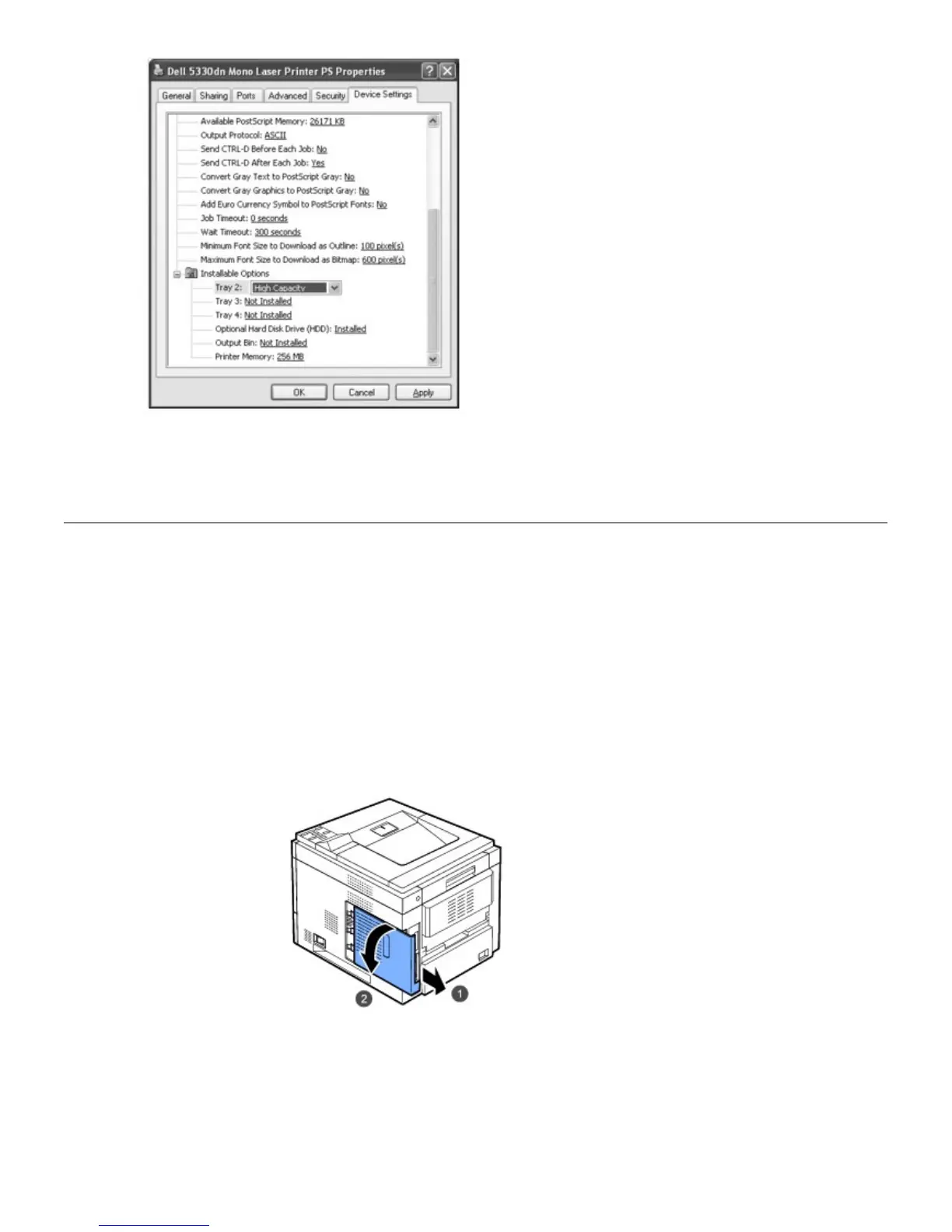
6. Click OK.
Using the Hard Disk
Installing the hard disk allows the data from your computer to be sent to the printer's hard disk print queue. This
decreases the computer's workload. You can also use various print features, such as storing a job in the hard disk,
proofing a job, and printing private documents.
Installing the Hard Disk
1. Turn the printer power off and unplug the power cord and printer cable from the printer.
2. Grasp the control board cover and remove it.
3. If electric lines are drooped, push them inside the printer.













 To Next Page