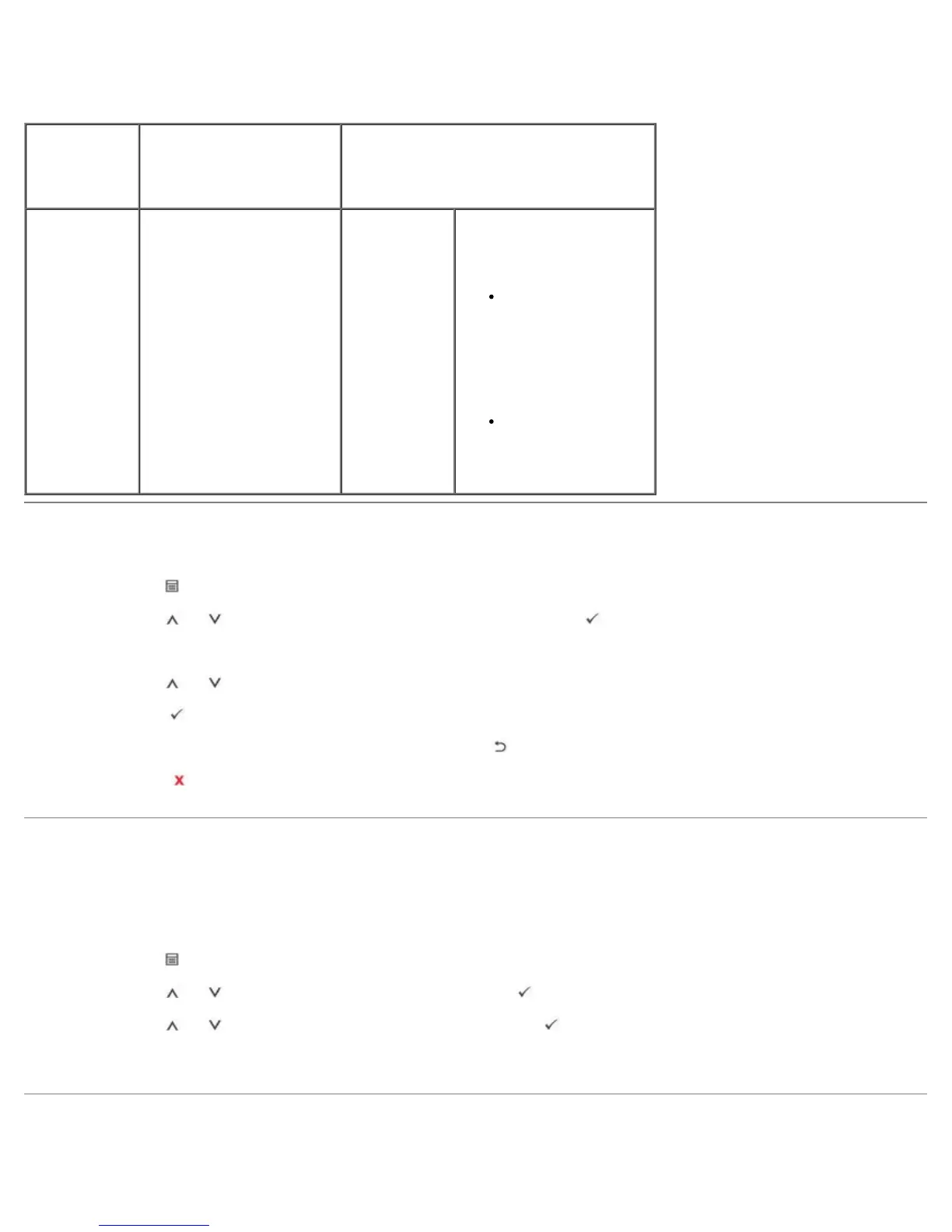
This menu provides you with the Print PS Error menu item.
Menu
selection:
Purpose: Values:
PostScript Provides the Print PS Error
menu items.
Print PS Error
On
Off
Select whether or not your
printer prints an error list
when a PS error occurs.
On: Prints PS 3
emulation errors. If
an error occurs, the
job stops processing,
the error message
prints, and the
printer flushes the
job.
Off: The job is
flushed without an
indication of any
error.
Accessing Operator Panel Menus
1. Press Menu ( ).
2. Press Scroll (
to ) to highlight the desired setting and press Select ( ).
3. If the setting item has sub menus, repeat step 2.
4. Press Scroll (
to ) to access the required value.
5. Press Select (
) to save the selection.
6. If you want to move to the upper level menus, press Select (
).
7. Press Cancel (
) to return to Standby mode.
Printing a Demo Page
After setting up your printer, print a demo page to ensure that the printer is operating correctly.
1. Press Menu (
).
2. Press Scroll (
to ) to highlight Reports and press Select ( ).
3. Press Scroll (
to ) to highlight Demo Page and press Select ( ).
4. A demo page prints out.
Changing the Display Language













 To Next Page