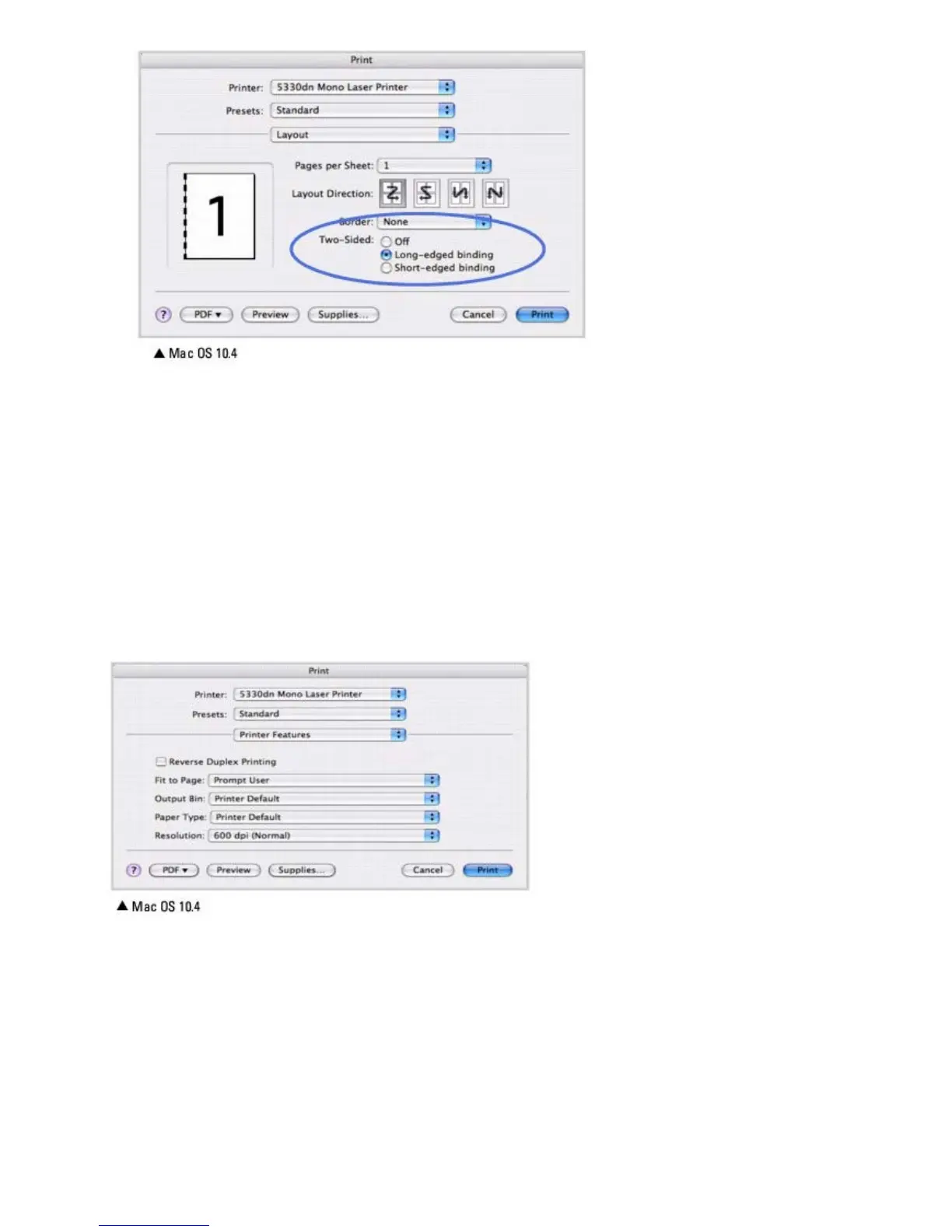
3. Select a binding orientation from Two Sided option.
4. Click Print. The printer prints on both sides of the paper.
Printer Features Setting
The Printer Features tab provides options for selecting the paper type and adjusting print quality.
Select Printer Features from the Presets drop-down list to access the following features:
Reverse Duplex Printing
Allows you to select general print order compared to duplex print order.
Fit to Page
Allows you to scale your print job to any selected paper size regardless of the digital document size. This can be useful
when you want to check fine details on a small document.













 To Next Page