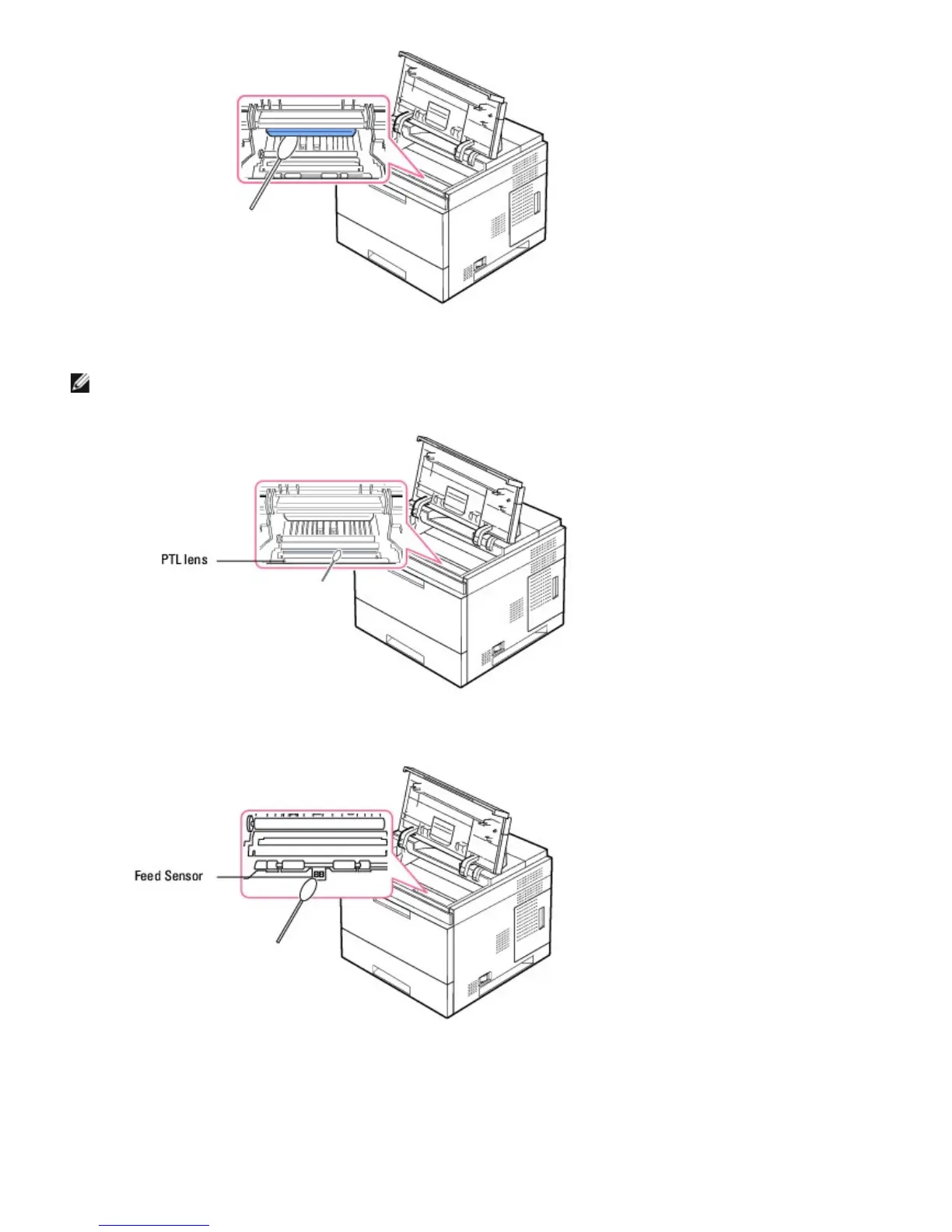
NOTE: The long strip of glass is hard to locate.
5. Locate the PTL lens by flipping up the feed guide and gently swab the lens with a cotton swab.
6. Clean the feed sensor with a cotton swab.
7. Reinsert the toner cartridge and close the top cover.
8. Plug in the power cord and turn the printer on.
Printing a cleaning sheet













 To Next Page