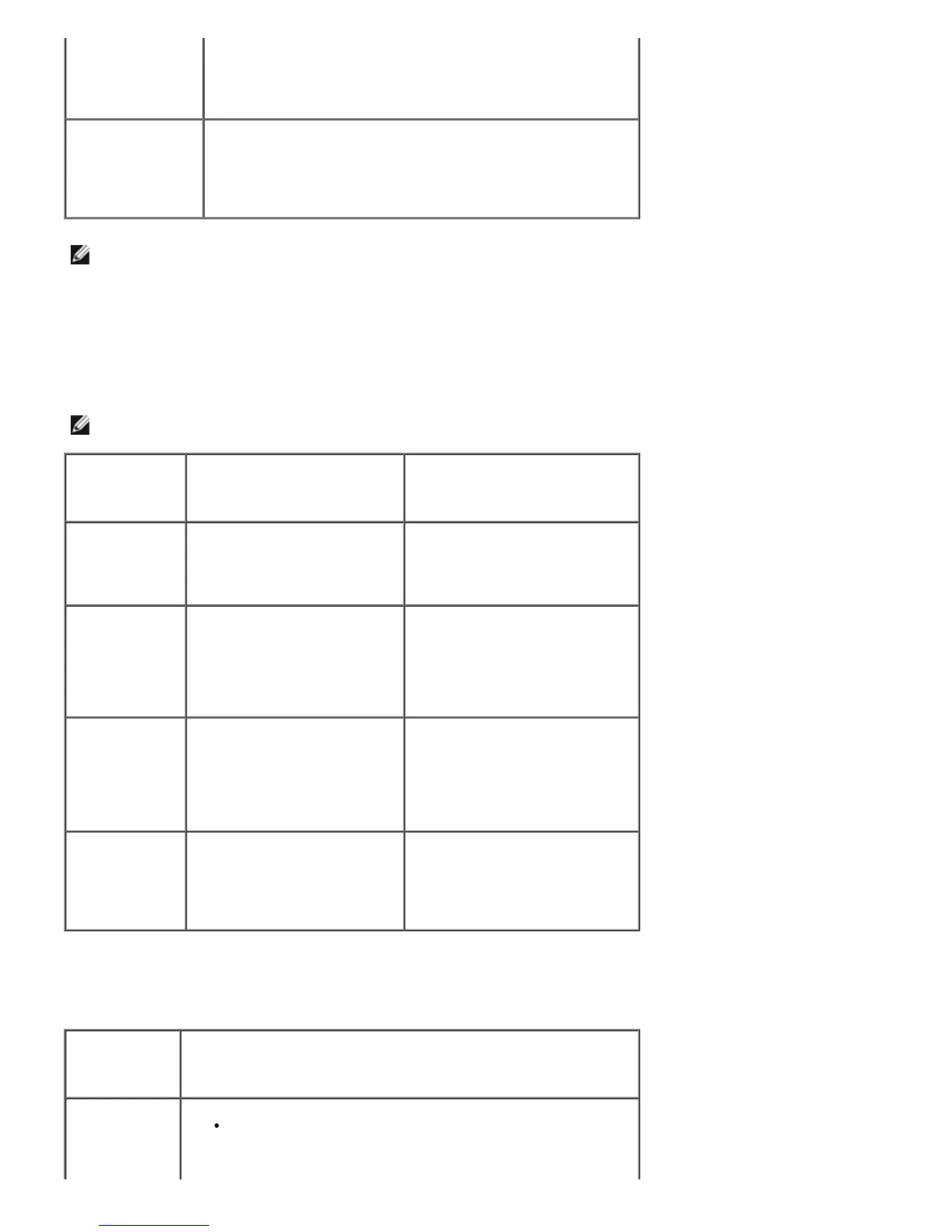
"Exception OE",
"Spool32", or
"Illegal Operation"
message appears.
"Fail To Print" or
"A printer timeout
error occurred."
message appears.
These messages may appear during printing. Wait until the
machine finishes printing. If the message appears in standby
mode or after printing has been completed, check the
connection and/or whether an error has occurred.
NOTE: Refer to Microsoft Windows 2000/XP User's Guide that came with your PC for further information on
Windows error messages.
Common Postscript (PS) Problems
The following situations are PS language specific and may occur when several printer languages are being used.
NOTE: To receive a printed or screen displayed message when PS errors occur, open the Print Options window and
click the desired selection next to the PostScript errors section.
Problem Possible Cause Solution
PostScript file
can not be
printed.
The PostScript option may not
be installed.
Print a configuration page and
verify that the PS version is
available for printing.
Limit Check
Error
The print job may be too
complex.
Reduce the complexity of the
page or try adjusting the print
quality settings.
Or, expand the memory capacity.
A PS error page
prints.
Print job may not be PS. Ensure that the print job is a PS
job. Check to see whether the
software application expected a
setup or PS header file to be
sent to the printer.
The optional
tray 2 is not
selected in the
driver.
The printer driver has not
been configured to recognize
the optional tray 2.
Open the PostScript driver
properties and set the Option
Tray item of the Device option
to Installed.
Common Linux Problems
Condition Suggested solutions
The printer
doesn't print.
Ensure that the printer driver is installed in your system.
Open Unified Driver Configurator and switch to the Printers
tab in Printers configuration window to look at the list of
available printers. Make sure that your machine is displayed













 To Next Page