Printing a Document
Printing from Applications
There are many Linux applications from which you are allowed to print using the Common UNIX Printing System (CUPS).
You can print from any of these application on your machine.
1. From the application you are using, select Print from the File menu.
2. Select Print directly using lpr.
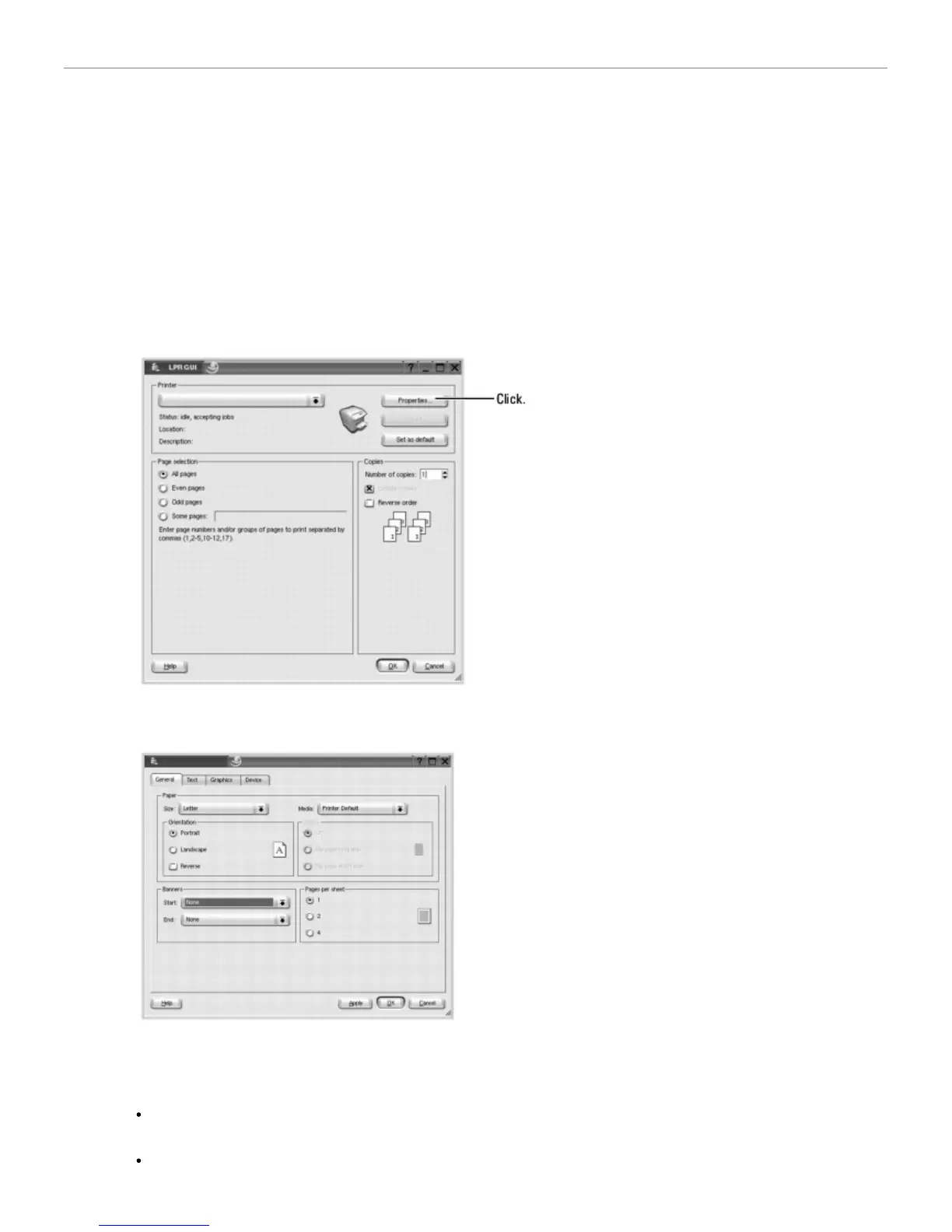
3. In the Dell LPR window, select the model name of your machine from the Printer list and click Properties.
4. Change the printer and print job properties.
The following four tabs display at the top of the window.
General: allows you to change the paper size, paper type, and orientation of the documents, enables the
duplex feature, adds start and end banners, and changes the number of pages per sheet.
Text: allows you to specify the page margins and set the text options, such as spacing or columns.













 To Next Page