OR
Click Start
Programs DELL DELL Printers DELL 5330dn Mono Laser Printer Dell 5330dn Toner
Reorder.
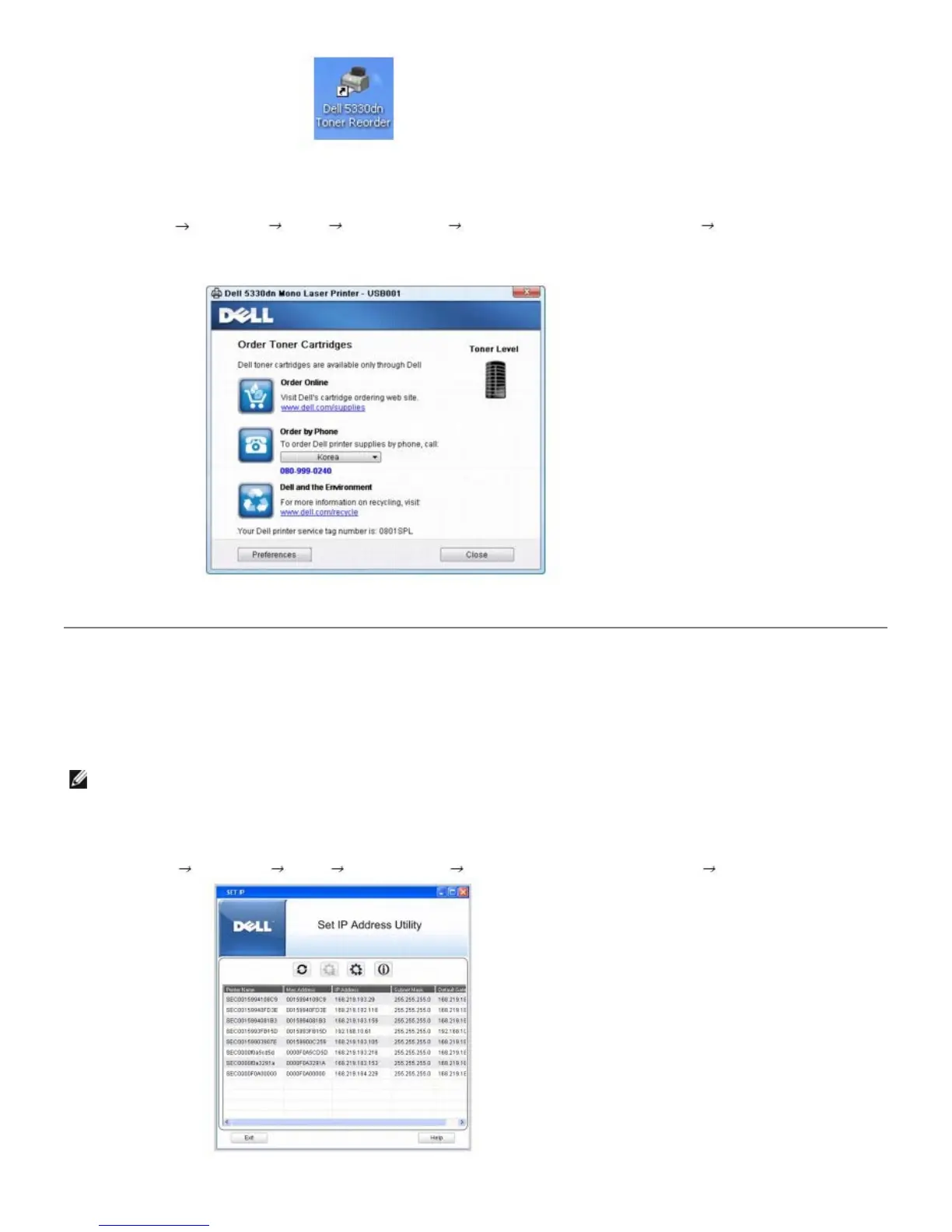
2. The Dell 5330dn Toner Reorder window opens.
Set IP Address Utility
This program is for the network IP setting using the MAC address which is the hardware serial number of the network printer card
or interface. This program is especially for the network administrator to set several network IPs at the same time.
NOTE: You can only use Set IP Address Utility when your printer is connected to a network.
1. Connect the network cable to your machine.
2. Print the Configuration page of the printer to see the current network configuration and MAC address.
3. Click Start
Programs DELL DELL Printers DELL 5330dn Mono Laser Printer Set IP Address.













 To Next Page