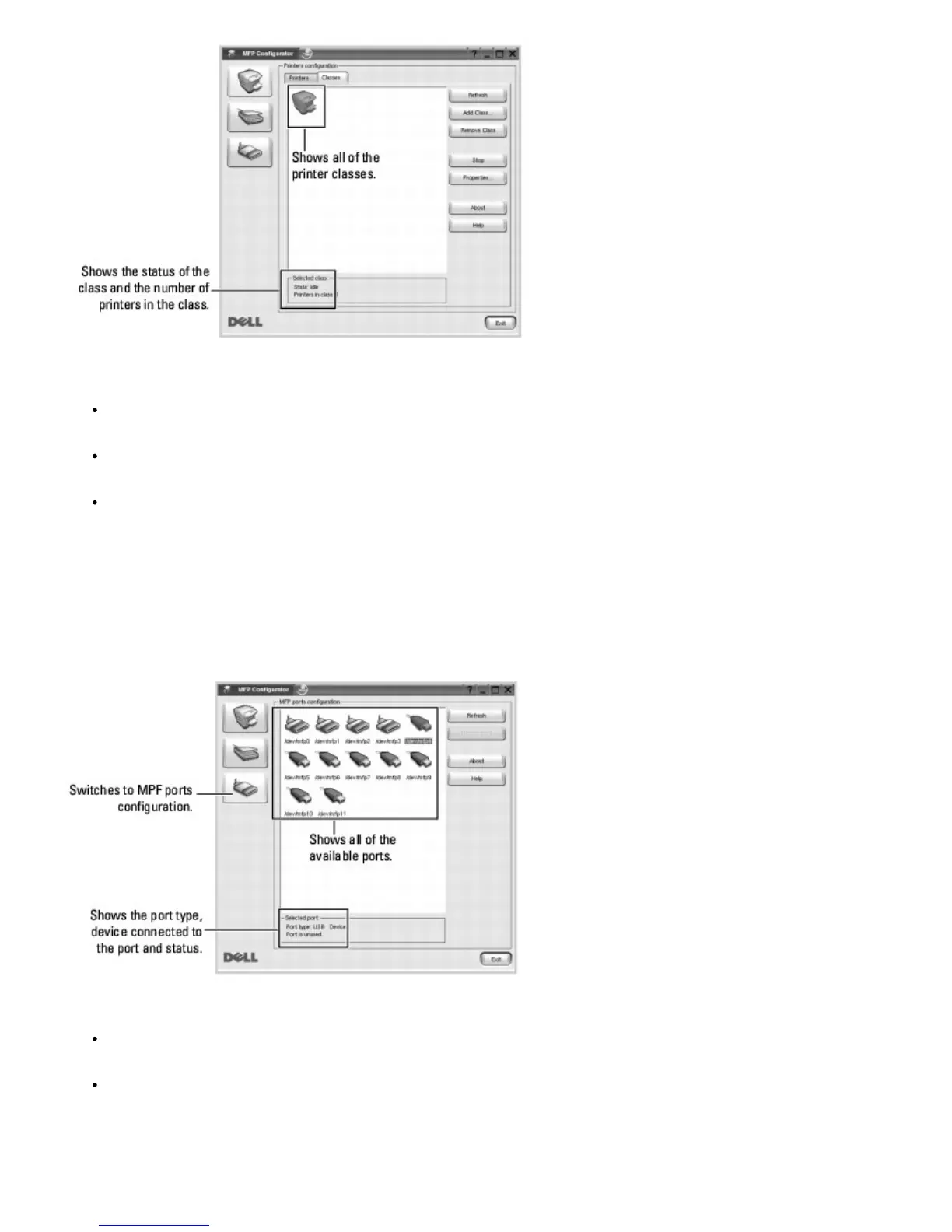
Refresh: renews the classes list.
Add Class...: allows you to add a new printer class.
Remove Class: removes the selected printer class.
Ports Configuration
In this window, you can view the list of available MFP ports, check the status of each port, and release a port that is
stalled in a busy state after its owner has terminated for any reason.
Refresh: renews the available ports list.
Release port: releases the selected port.
Sharing Ports Between Printers













 To Next Page