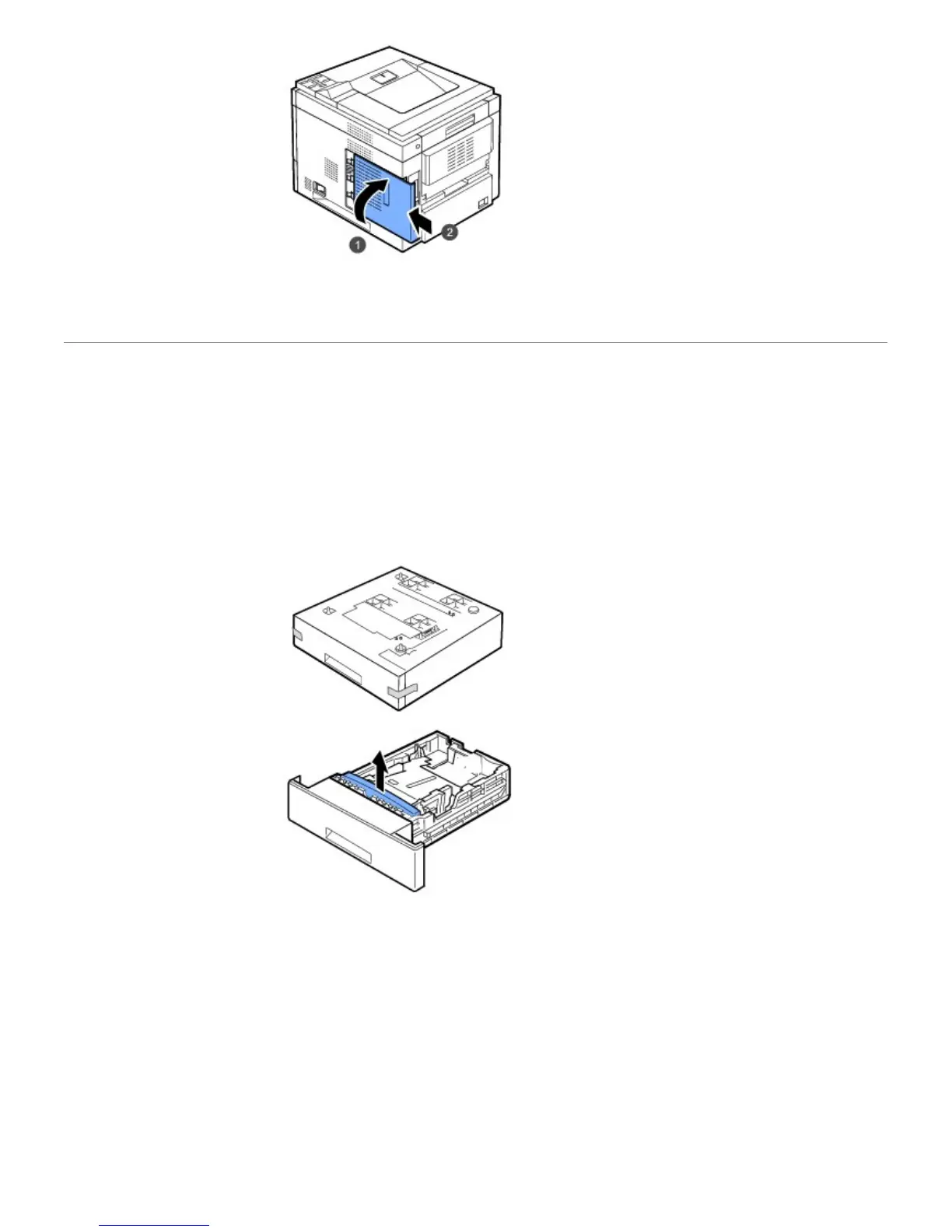
6. Reconnect the power cord and printer cable, and turn the printer on.
Installing Optional Tray
You can increase the paper handling capacity of your printer by installing optional trays. Each tray holds 500 sheets of
paper.
1. Power the printer off and unplug all cables from the printer.
2. Remove the packing tape and the packing material inside the optional tray.
3. Find the location of the paper option tray connector and alignment pins.













 To Next Page