Changing Printer Settings
You can use advanced printing features when using your printer.
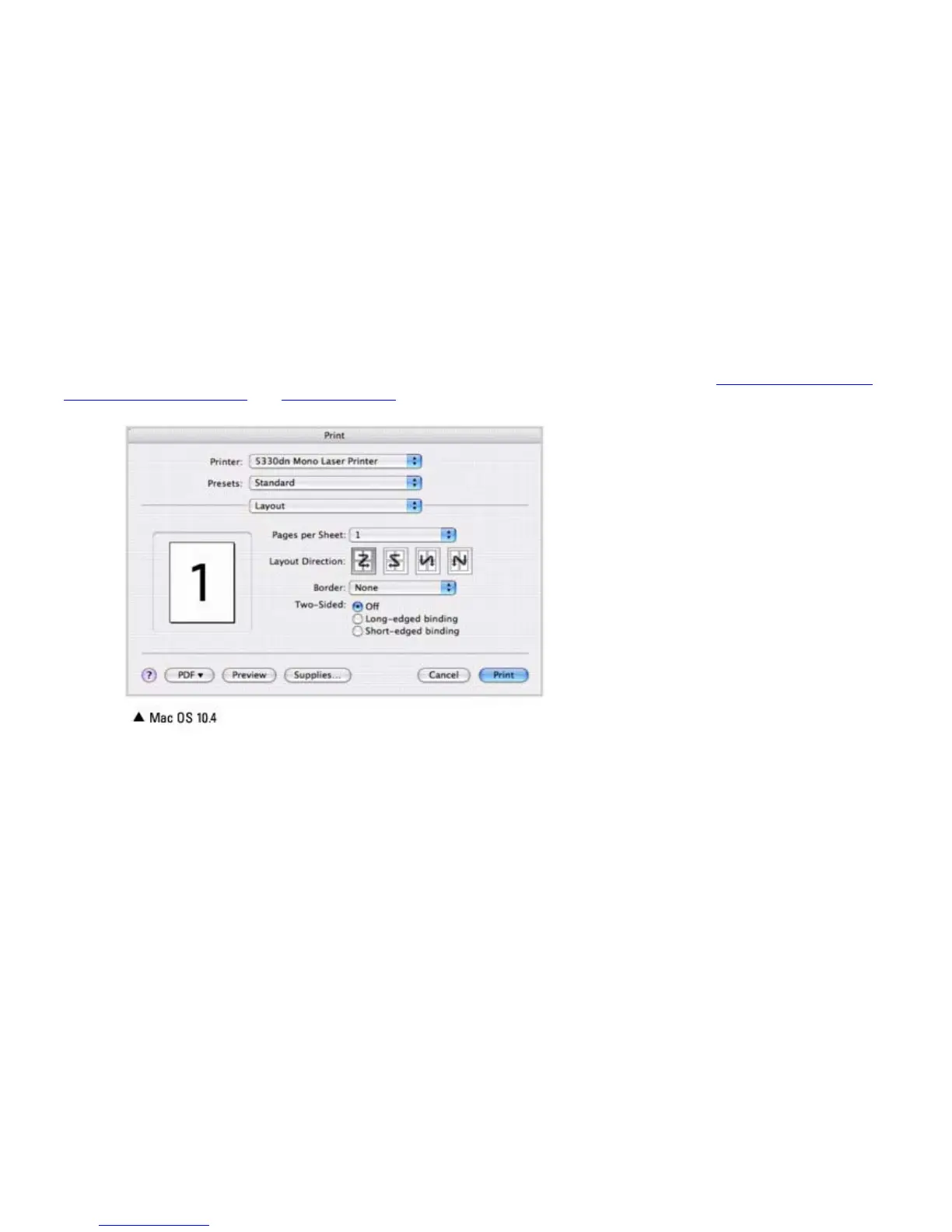
From your Macintosh application, select Print from the File menu.
Layout Setting
The Layout tab provides options to adjust how the document appears on the printed page. You can print multiple pages on
one sheet of paper.
Select Layout from the Presets drop-down list to access the following features. For details, see "Printing Multiple Pages
on One Sheet of the Paper" and "Duplex Printing".
Printing Multiple Pages on One Sheet of Paper
You can print more than one page on a single sheet of paper. This feature provides a cost-effective way to print draft
pages.
1. From your Macintosh application, select Print from the File menu.
2. Select Layout.













 To Next Page