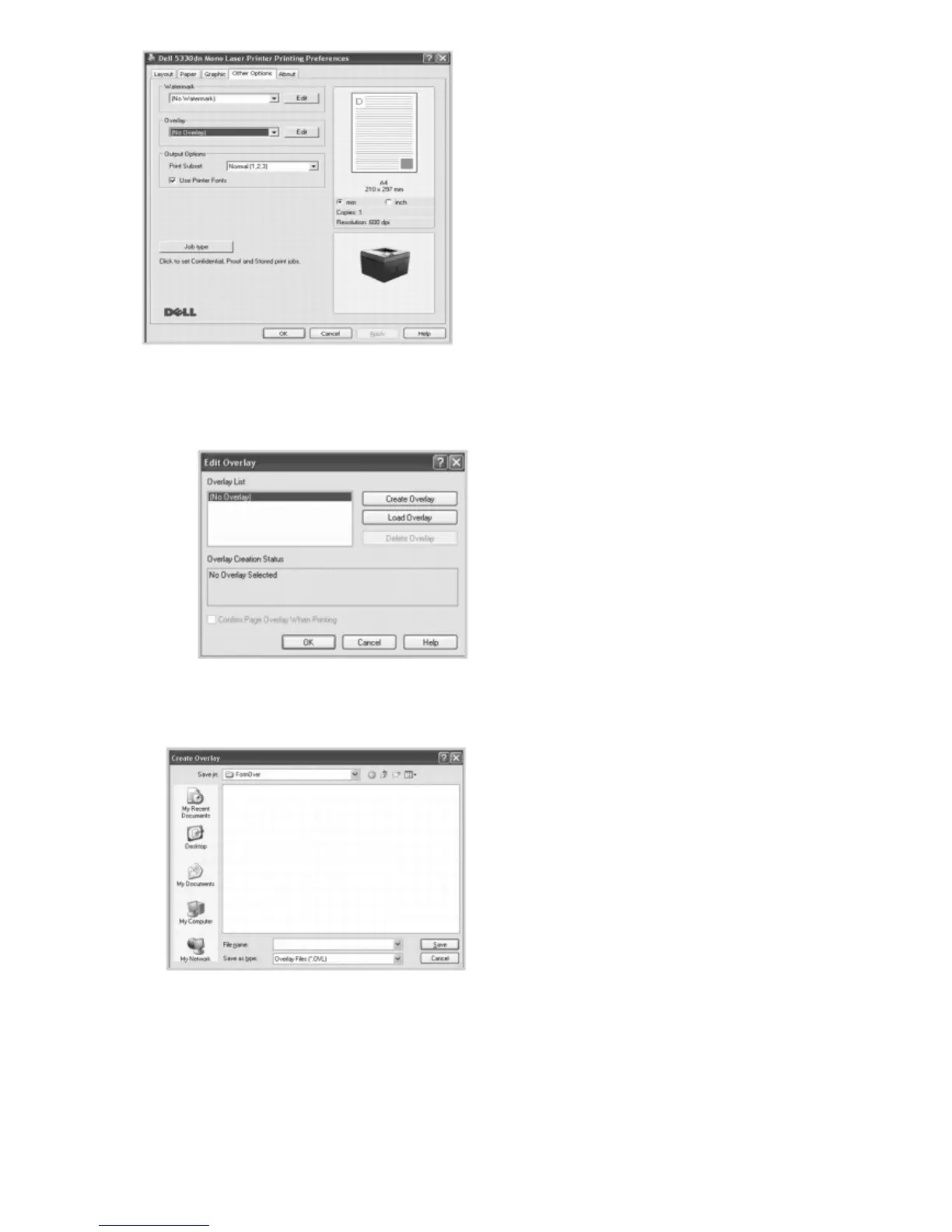
4. In the Edit Overlays window, click Create Overlay.
5. In the Create Overlay window, type a name of up to eight characters in the File name box. Select the destination
path, if necessary. (The default is C:\FormOver).
6. Click Save. You can see the name in the Overlay List.
7. Click OK or Yes until you complete creating.
The file is not printed out; it is stored in your computer.
Using a Page Overlay













 To Next Page