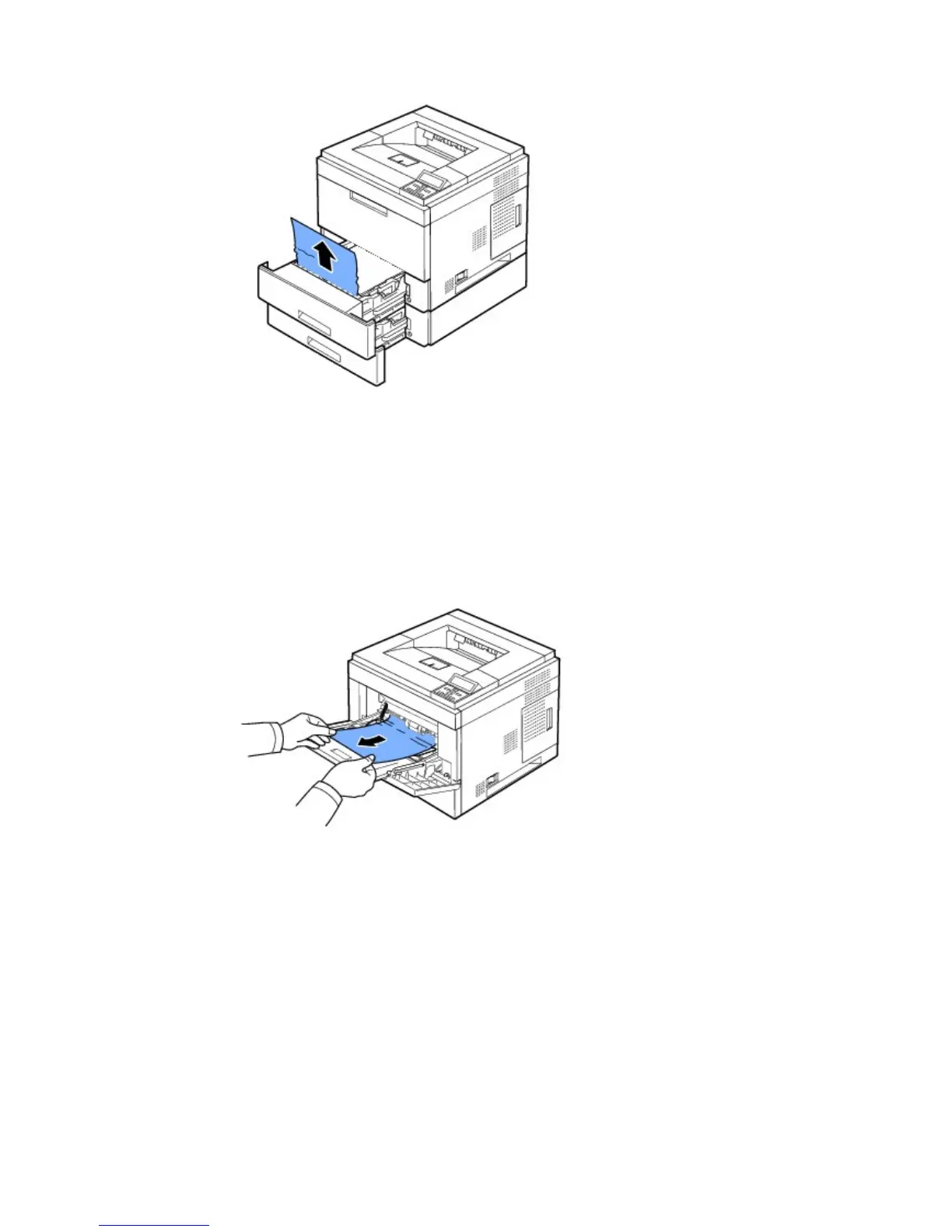
3. Pull the tray 1 half-way out.
4. Pull the paper straight up and out.
5. Insert the trays back into the printer.
Printing automatically resumes.
Multi-purpose Feeder Jam
1. If the paper is not feeding properly, pull the paper out of the printer.
2. Open and close the top cover to resume printing.
Around the Toner Cartridge
NOTES: The fuser area is hot. Take care when removing paper from the printer.
1. Open the top cover and pull the toner cartridge out. Set it on a clean flat surface.













 To Next Page