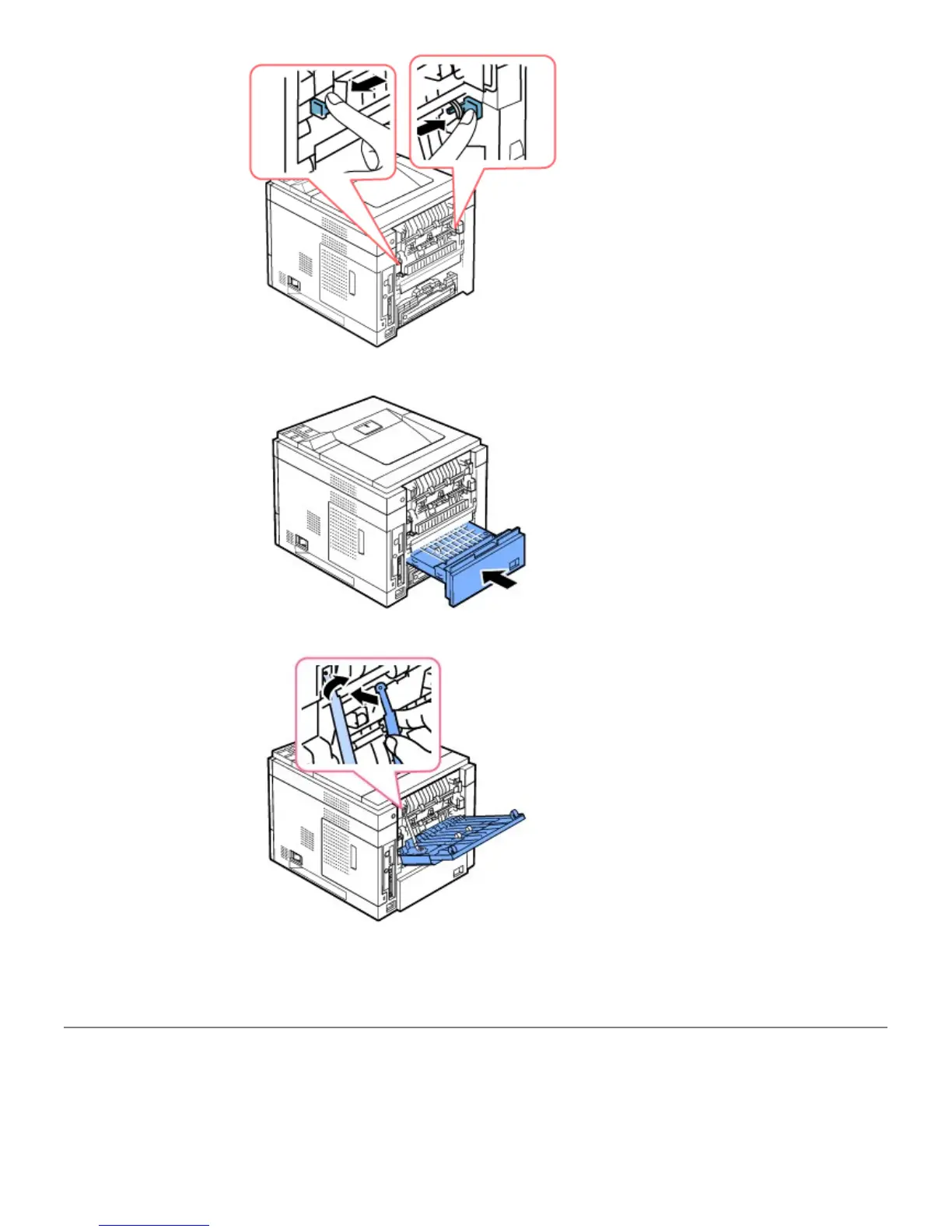
10. Insert the duplex unit into the slot.
11. Put the rear door back on and insert the rear door strap to the printer.
12. Close the rear door.
13. Reconnect the power cord and printer cable, and turn the printer on.
Replacement parts
From time to time, you need to replace the rollers and fuser unit to maintain top performance and to avoid print quality
and paper feed problems resulting from worn parts.













 To Next Page