toner cartridge
power cord
*a
drivers and Utilities
CD
*b
owner's manual
*C
setup diagram product Information
Guide
a.The appearance of the power cord differs according each country’s specifications.
b.The Drivers and Utilities CD contains Dell printer drivers, Printer Settings Utility, Set IP Address Utility, Macintosh driver,
Linux driver, Dell™ Toner Management System, Firmware Update Utility and HTML User’s Guide.
c.Owner’s manual may not be supplied depending on model and country.
NOTE: The power cord must be plugged into a grounded power socket.
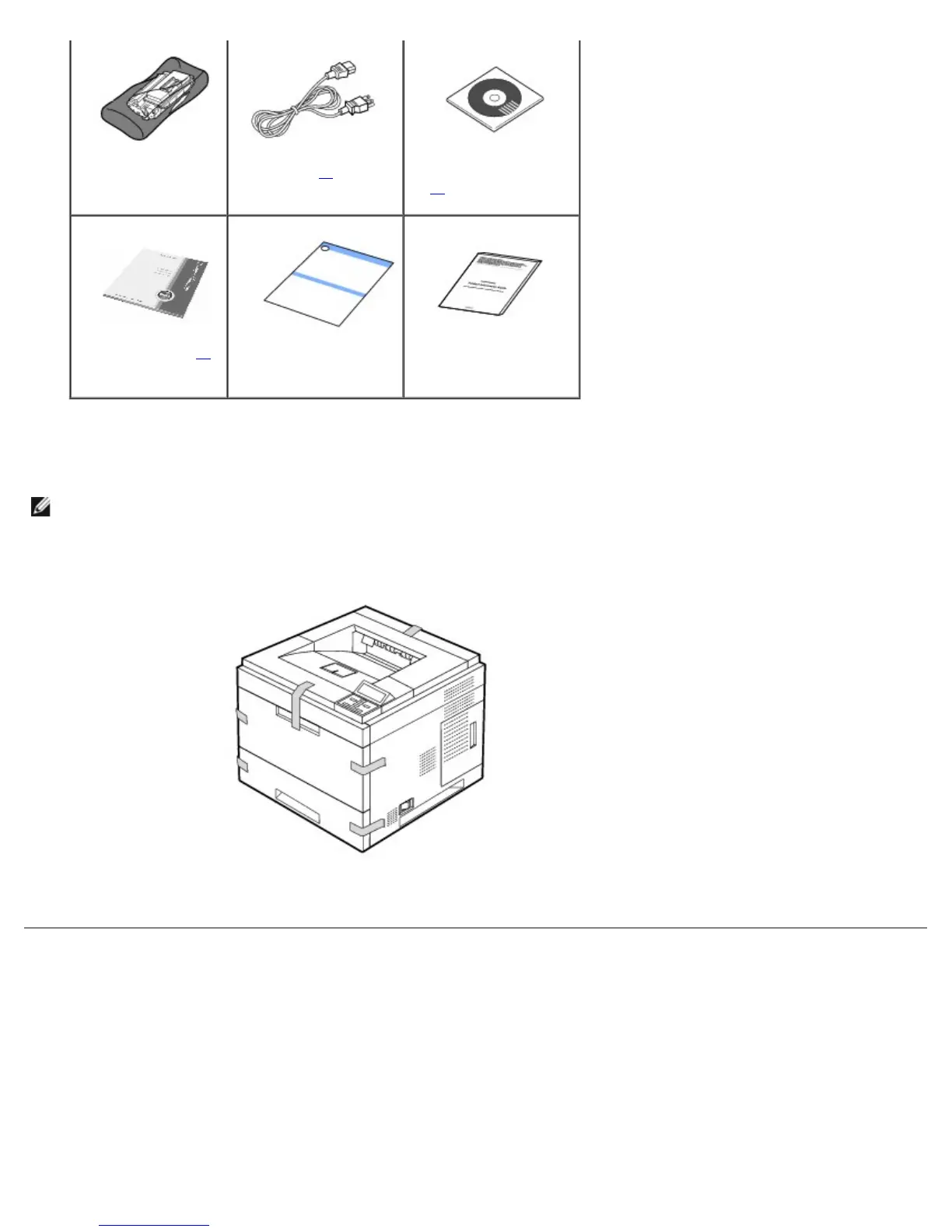
3. Save the carton and packing material in case the printer needs to be re-packed.
4. Remove the packing tape from the front, back and sides of the printer.
About Your Printer
These are the main components of your printer. The following illustrations show the standard Dell 5330dn Mono Laser Printer
and optional trays attached:
Front View













 To Next Page