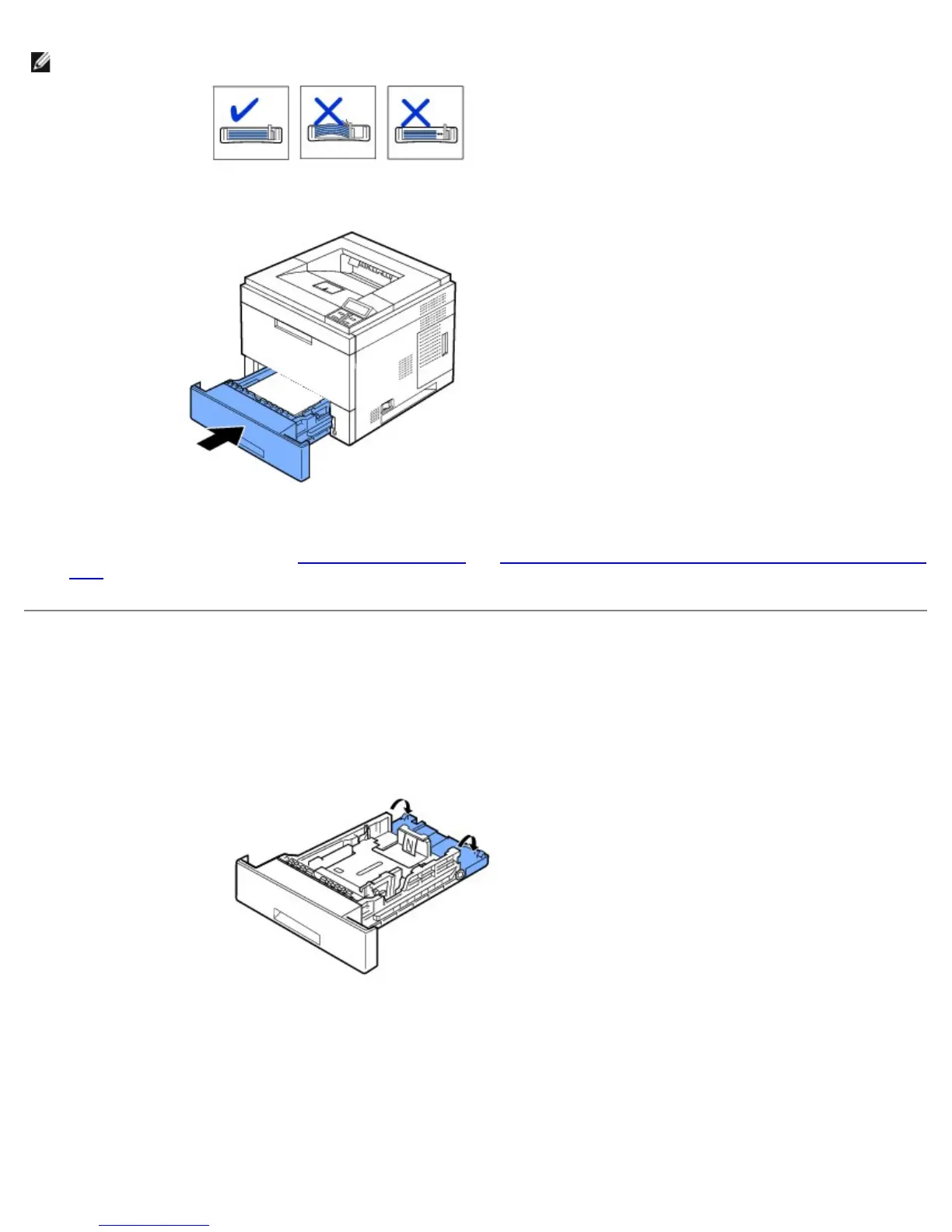
NOTE: Improper adjustment of paper guides can result in paper jams.
7. Insert and slide tray 1 back into the printer.
8. Set the paper type and size. See "Setting the Paper Type" and "For standard, Optional 500 Sheet Tray and HCF Setting Paper
Size".
Changing the size of the paper in the paper tray
The tray is preset to Letter or A4 size, depending on country specifications. To change the size, you need to adjust the Paper
guides.
1. Push the back plate of the tray outwards completely so that the length of the tray can be extended.
2. Squeeze the paper length guide and slide it to the required paper size you are loading, which is marked at the bottom of the
tray.













 To Next Page