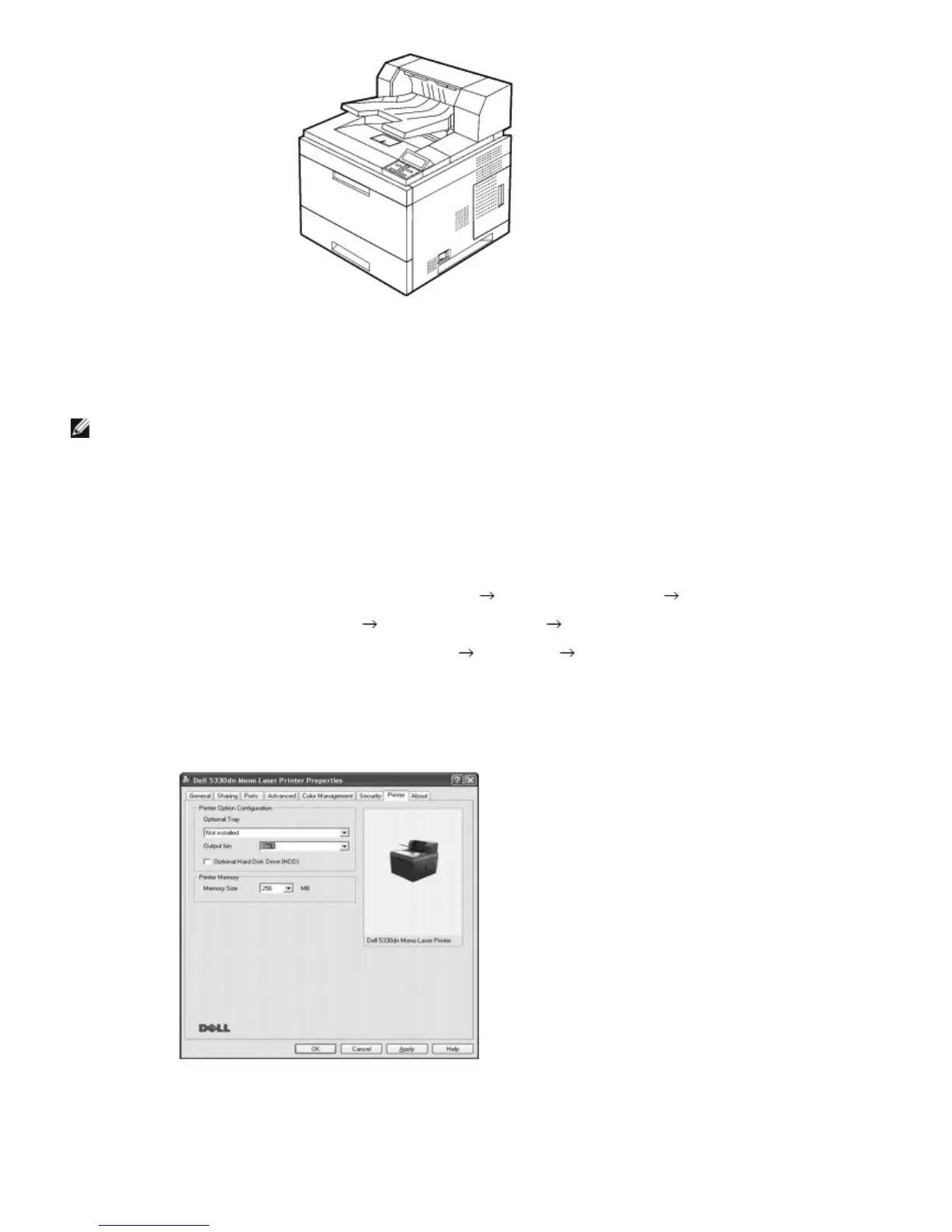
To use Output Expander when you print a document,, you must configure the properties of the printer driver.
NOTE: When printing a document using the output expander, remember to configure the printer driverproperties.
To access the properties of the printer driver:
1. Click the Windows Start button.
2. For Windows 2000, select Settings and then Printers.
For Windows XP/Server 2003, select Printers and Faxes.
For Windows Vista/Server 2008 , select Control Panel
Hardware and Sound Printers.
For Windows 7, select Control Panel
Hardware and Sound Devices and Printers.
For Windows Server 2008 R2, select Control Panel
Hardware Devices and Printers.
3. Select the Dell 5330dn Mono Laser Printer.
4. Right-click the printer icon and select Properties.
5. Click the Printer tab and select Bin 1 from the Output Bin drop-down list.
6. Click OK and print the document.













 To Next Page