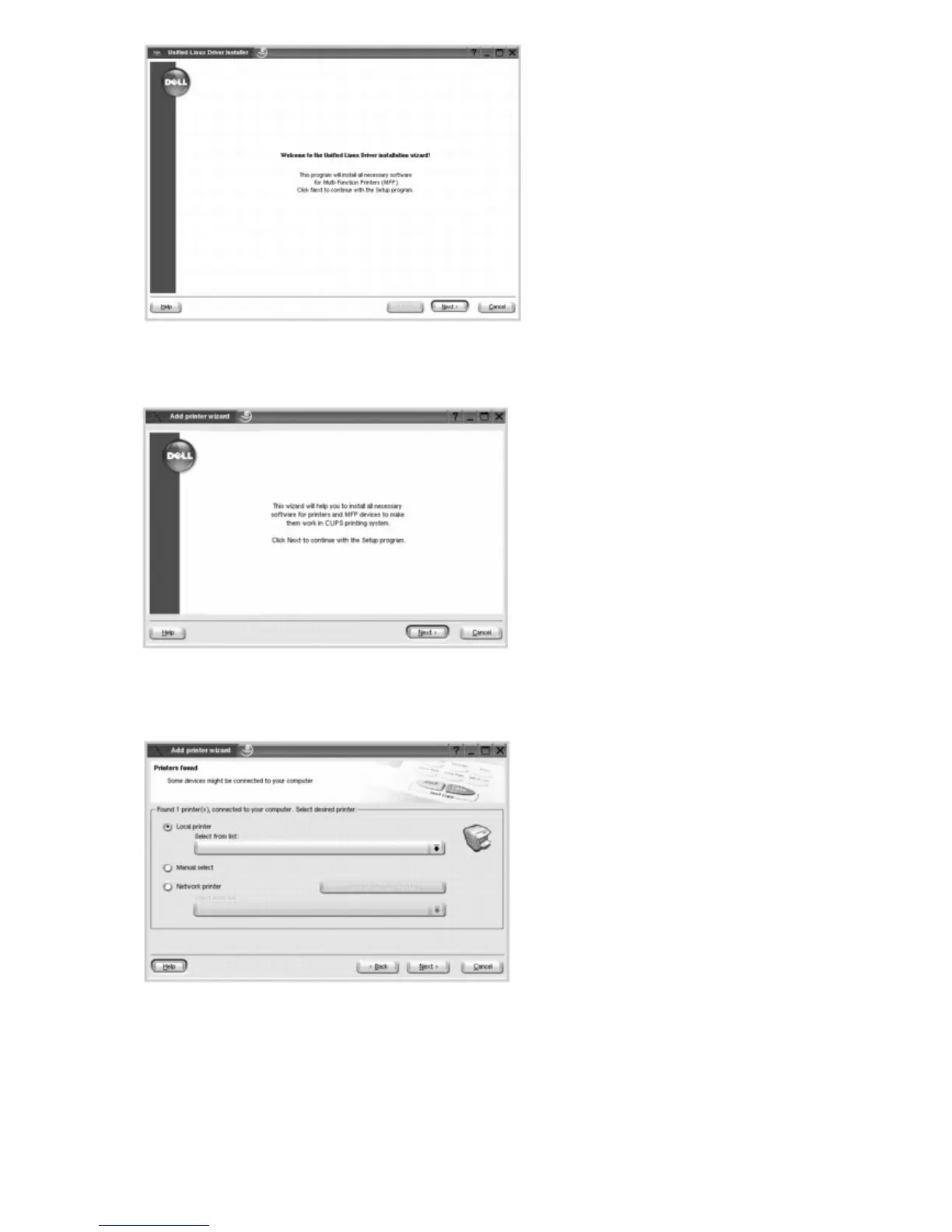
4. Installation starts. When the installation is almost complete, the Add printer wizard appears automatically. Click
Next.
5. If you connect your printer using the USB cable, the following window appears. Select your printer from the drop-
down list and click Next.
OR
If you connect your printer using the network cable, the following window appears.













 To Next Page