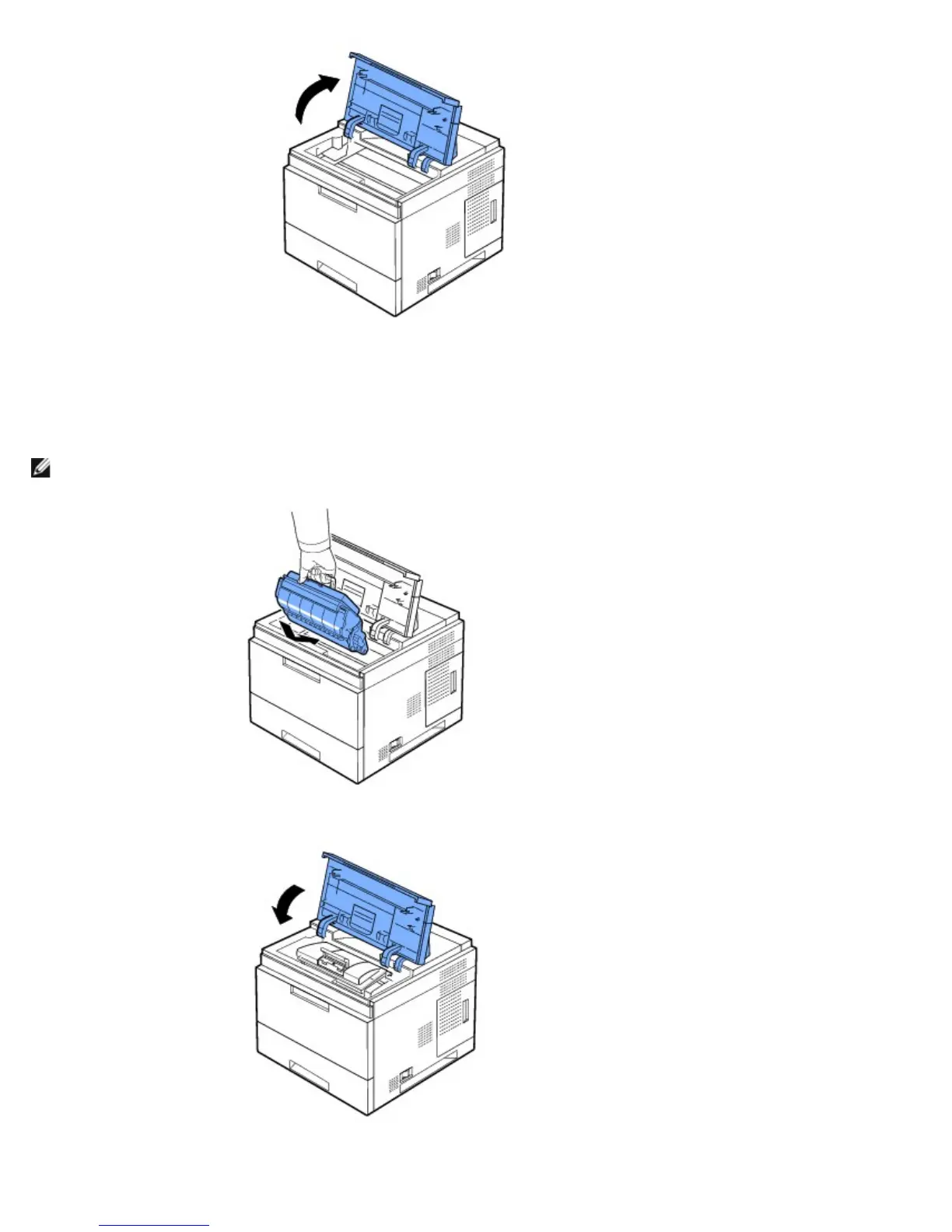
6. Hold the toner cartridge by the handle and slowly insert the cartridge into the printer opening.
Tabs on the sides of the cartridge and corresponding grooves within the printer guide the cartridge into the correct position
until it locks firmly into place.
NOTE: Do not use excessive force when inserting the cartridge into the printer. Ensure cartridge is placed correctly according
to the tabs and grooves before applying any pressure.
7. Close the top cover. Ensure cover is securely closed.













 To Next Page