WARNING: Never lay the waste toner box on its side as this may cause its malfunction or toner spills.
5
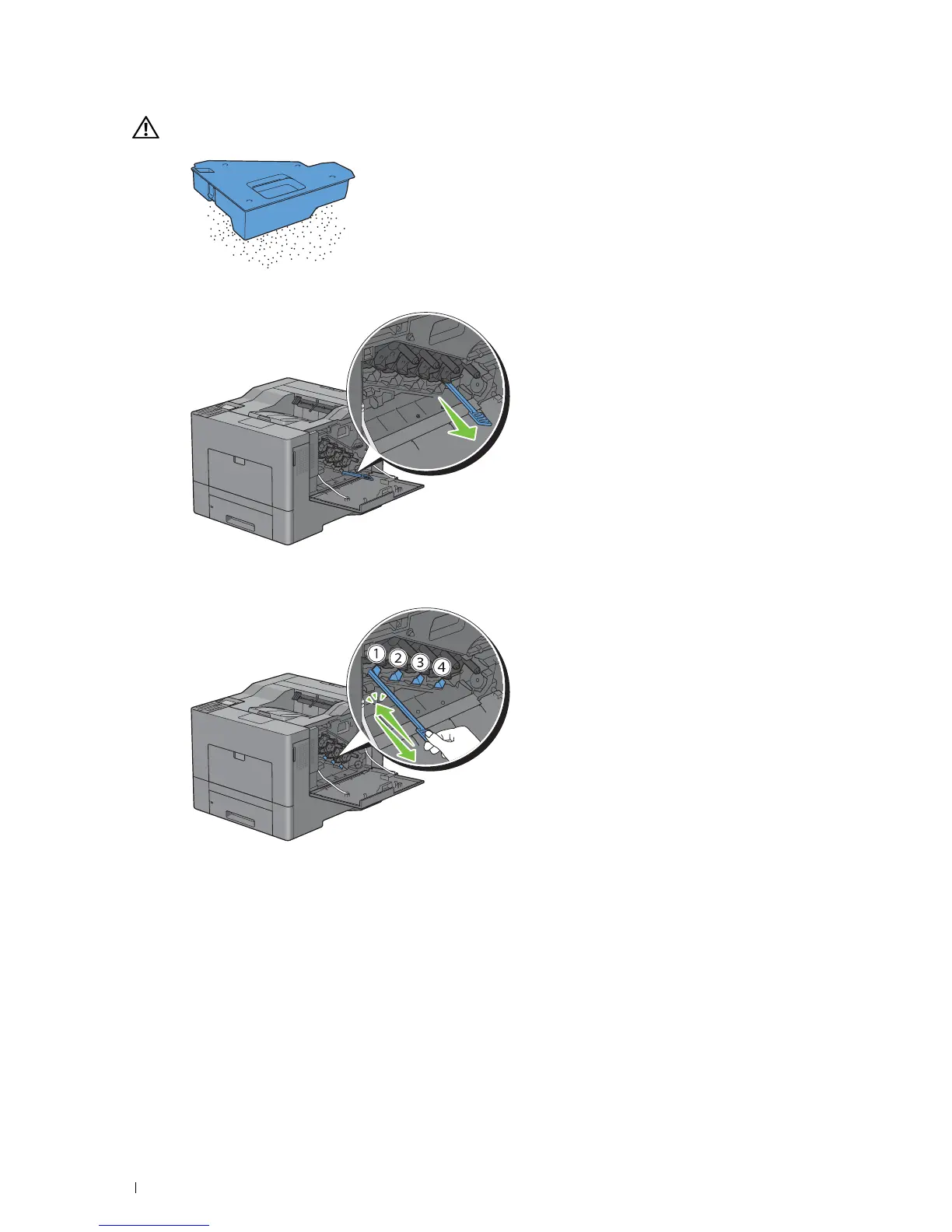
Remove the cleaning rod from inside the printer.
6
Insert the cleaning rod fully into one of the four holes until it clicks into the interior of the printer as illustrated
below, and then pull it out.
7
Repeat step 6 also on the other three holes. One time insertion is enough for each hole.
Maintaining Your Printer296














 To Next Page