Steps
1. Connect the battery cable to the connector on the system board.
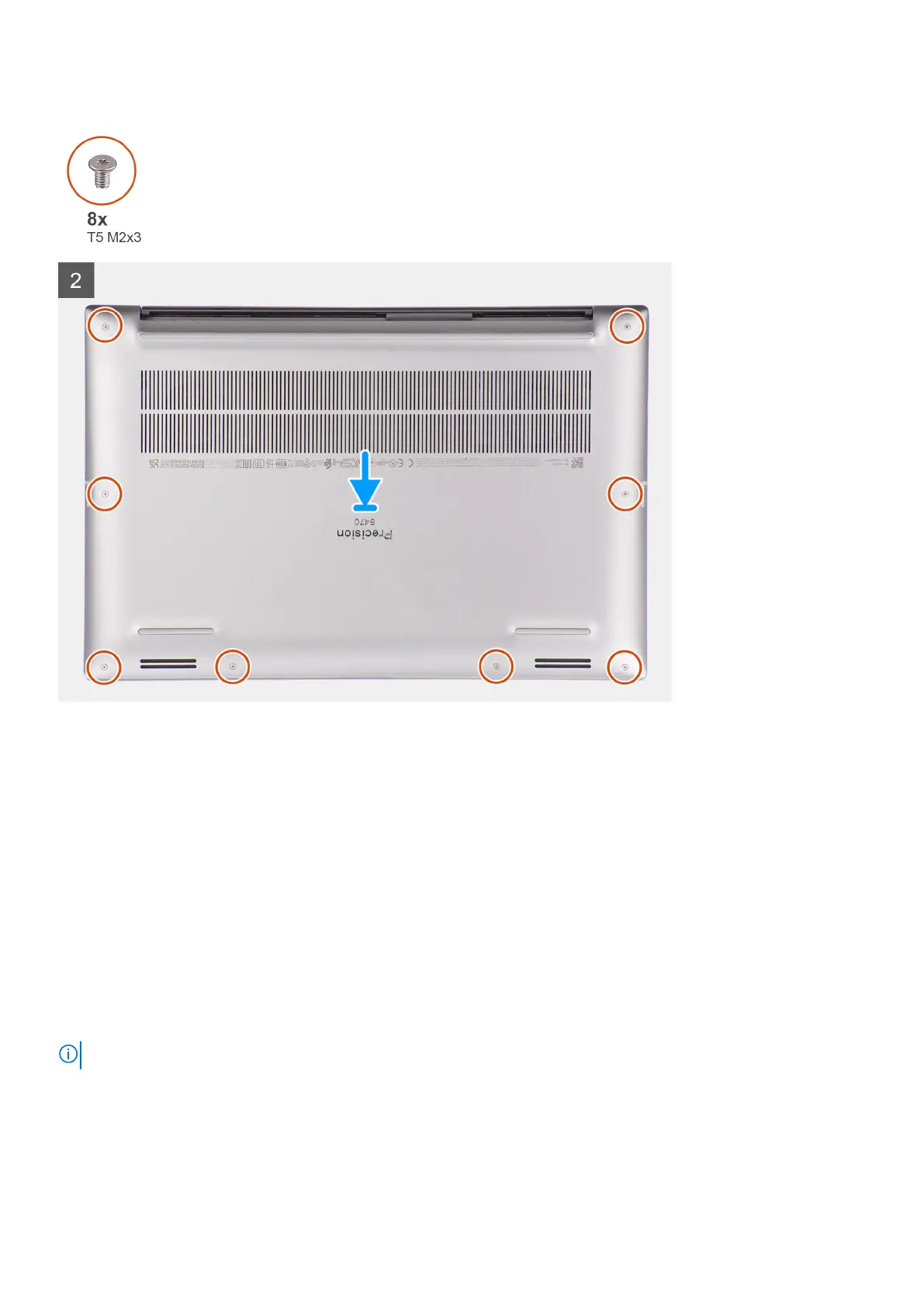
2. Slide the base cover into its slot until it clicks into place and replace the eight (T5, M2x3) torx screws to secure the base
cover to the computer.
Next steps
1. Follow the procedure in after working inside your computer.
M.2 solid-state drive
Removing the M.2 2230 solid state drive
Prerequisites
NOTE: For computers shipped with M.2 2230 solid state drive.
1. Follow the procedure in Before working inside your computer.
2. Remove the base cover.
16
Removing and installing components













 To Next Page