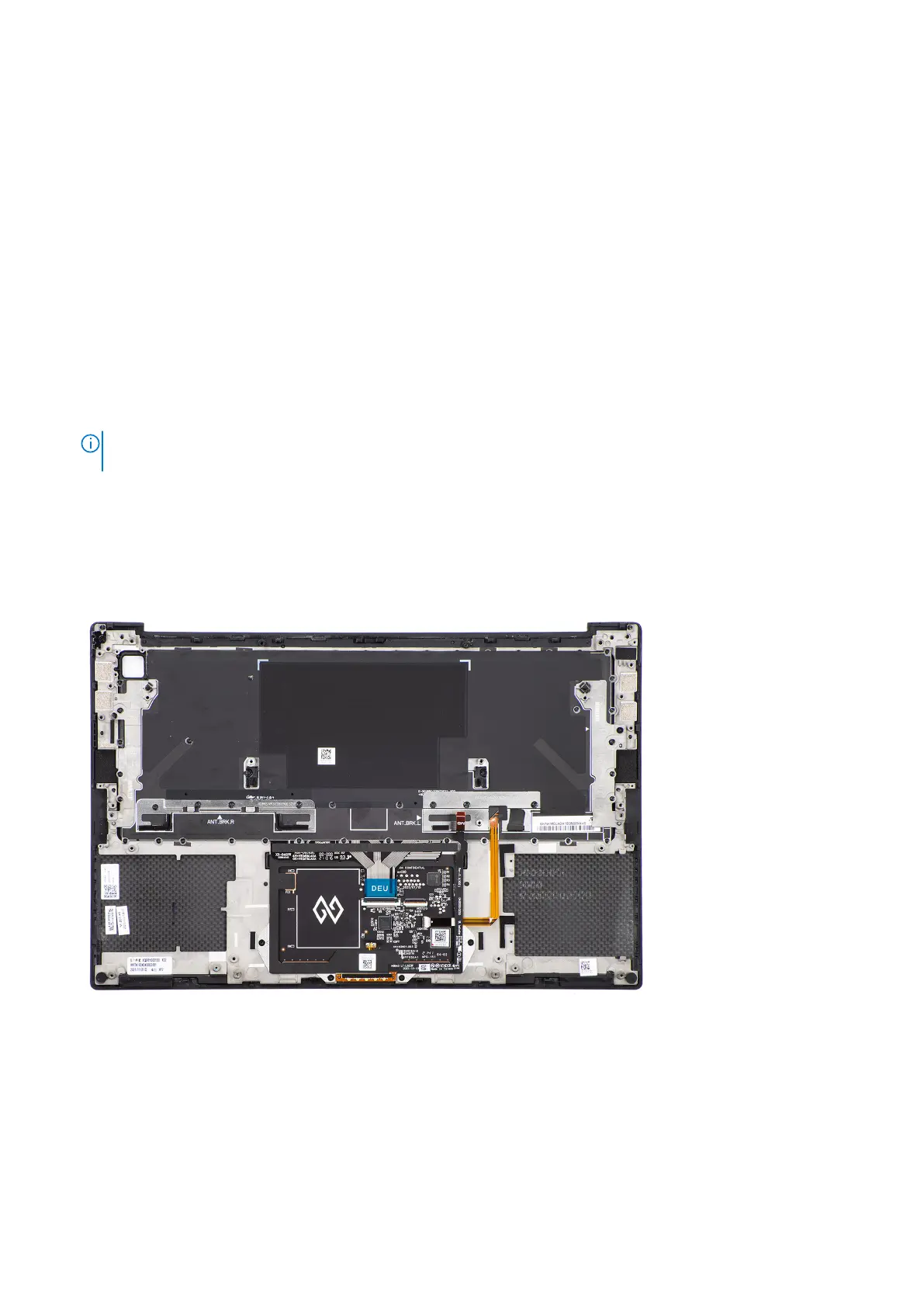
Palm-rest and keyboard assembly
Removing the palm-rest and keyboard assembly
Prerequisites
1. Follow the procedure in before working inside your computer.
2. Remove the base cover.
3. Remove the M.2 2230 solid state drive or M.2 2280 solid state drive.
4. Remove the battery.
5. Remove the left fan.
6. Remove the right fan.
7. Remove the audio jack.
8. Remove the speakers.
9. Remove the display assembly.
10. Remove the system board.
NOTE: The system board can be removed or installed together with the heat-sink attached. This simplifies the
procedure and avoids breaking the thermal bond between the system board and the heat-sink.
11. Remove the power button board with finger print reader.
12. Remove the WLAN antennas.
About this task
The figure below shows the palm-rest and keyboard assembly after performing the pre-removal parts procedures for any
palm-rest and keyboard assembly replacement.
Installing the palm-rest and keyboard assembly
Prerequisites
If you are replacing a component, remove the existing component before performing the installation procedure.
Removing and installing components
63













 To Next Page