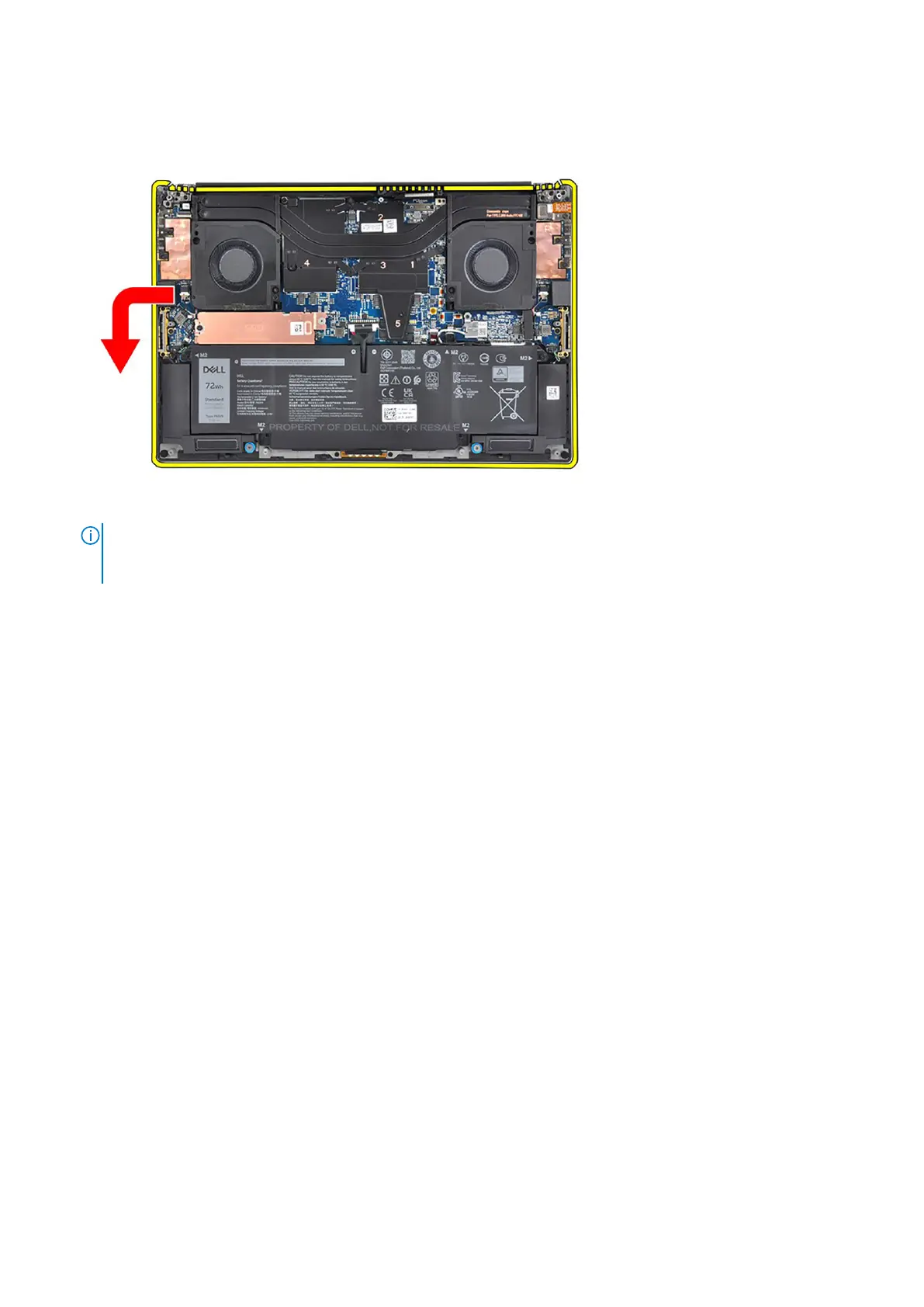
5. Slide the bottom assembly slightly to the left and then away from the display assembly to remove the display assembly from
the system.
NOTE: The display assembly is a Hinge-Up Design (HUD) assembly and cannot be further disassembled once it is
removed from the bottom chassis. If any components in the display assembly are malfunctioning and need to be
replaced, replace the entire display assembly.
Installing the display assembly
Prerequisites
If you are replacing a component, remove the existing component before performing the installation procedure.
About this task
The figure indicates the location of the display assembly and provides a visual representation of the installation procedure.
Removing and installing components
43













 To Next Page