About this task
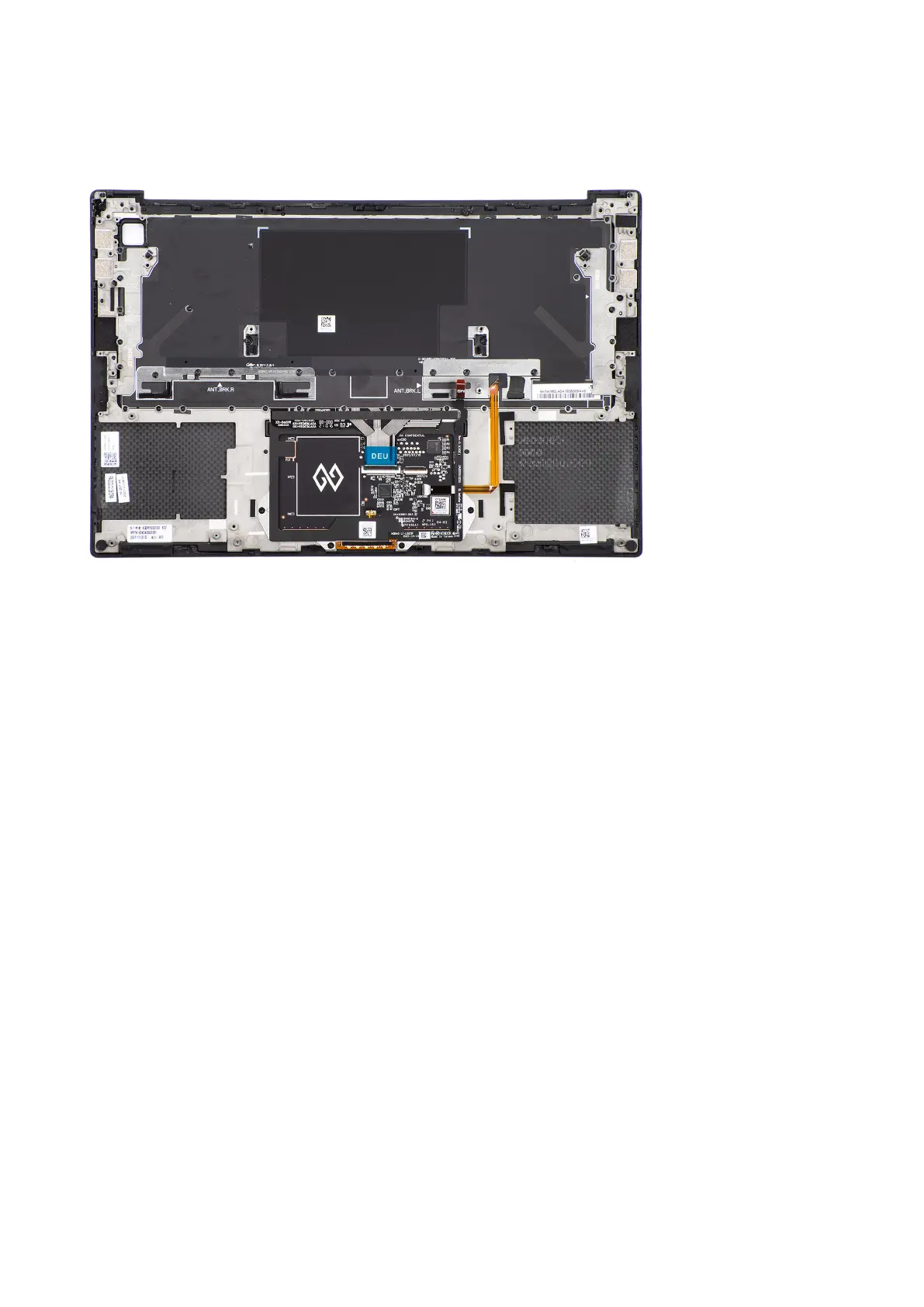
The figure indicates the palm-rest and keyboard assembly and before performing the pre-installation parts procedures for any
palm-rest and keyboard assembly installation procedure.
Next steps
1. Install the WLAN antennas.
2. Install the power button board with finger print reader.
3. Install the system board.
4. Install the display assembly.
5. Install the speakers.
6. Install the audio jack.
7. Install the right fan.
8. Install the left fan.
9. Install the battery.
10. Install the M.2 2230 solid state drive or M.2 2280 solid state drive.
11. Install the base cover.
12. Follow the procedure in after working inside your computer.
64
Removing and installing components













 To Next Page