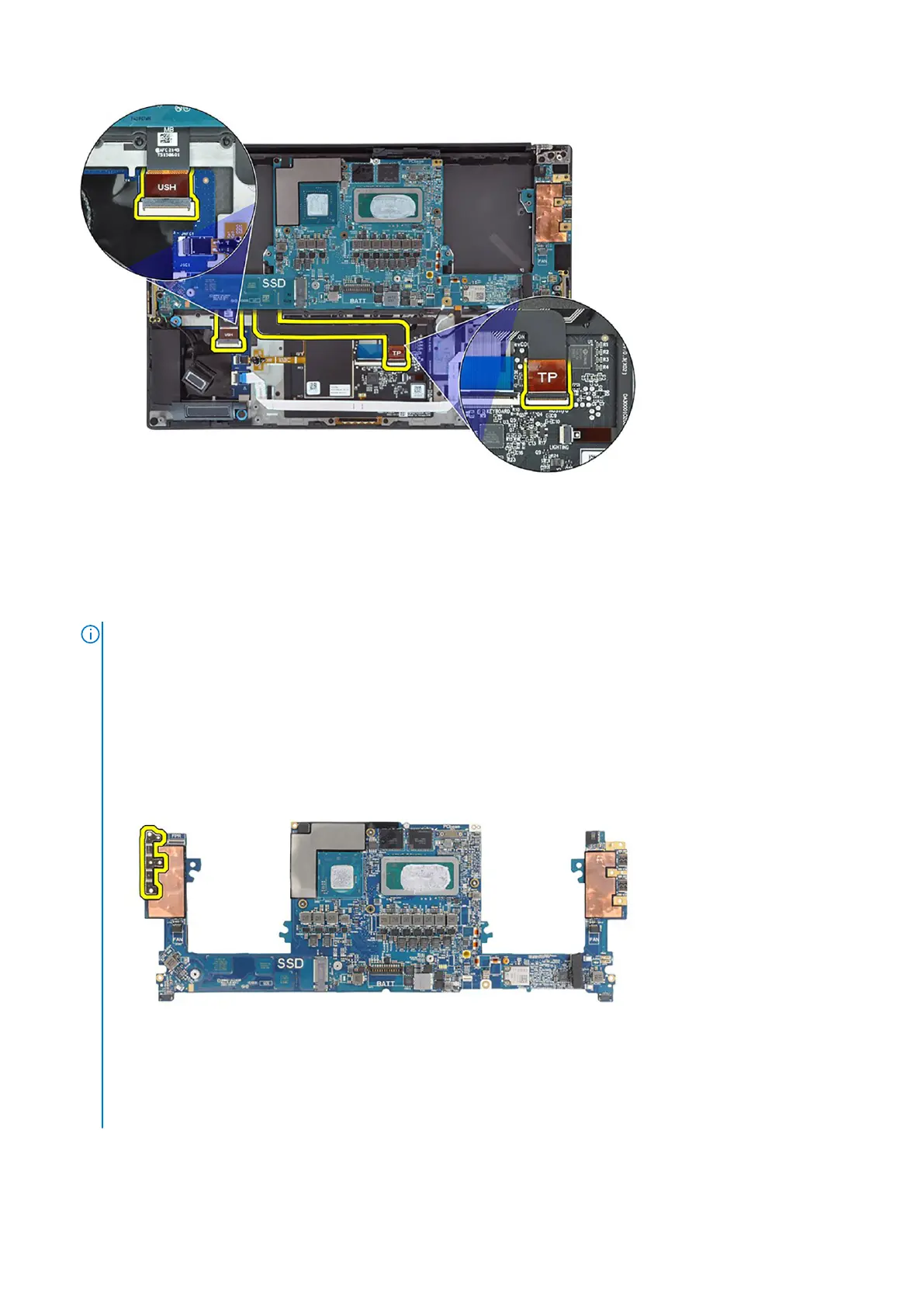
7. Disconnect the power button board with fingerprint reader FPC from the system board.
8. Peel the left and right tweeter speakers from their compartments on the palm-rest and keyboard assembly.
9. Disconnect the left and right speaker cables from the system board.
10. Remove the three (M2x4) screws that secure the right USB Type-C bracket on the system board.
11. Remove the three (M2x4) screws that secure the system board to the palm-rest and keyboard assembly.
12. Remove the system board from the palm-rest and keyboard assembly.
NOTE:
The new replacement system board is pre-assembled with the following USB Type-C brackets on the top-left
side and bottom side of the system board. DO NOT remove and transfer these brackets to the replacement system
board.
Top side
Bottom side
Removing and installing components
51













 To Next Page