Clearing BIOS (System Setup) and System passwords
About this task
To clear the system or BIOS passwords, contact Dell technical support as described at www.dell.com/contactdell.
NOTE: For information about how to reset Windows or application passwords, see the documentation accompanying
Windows or your application.
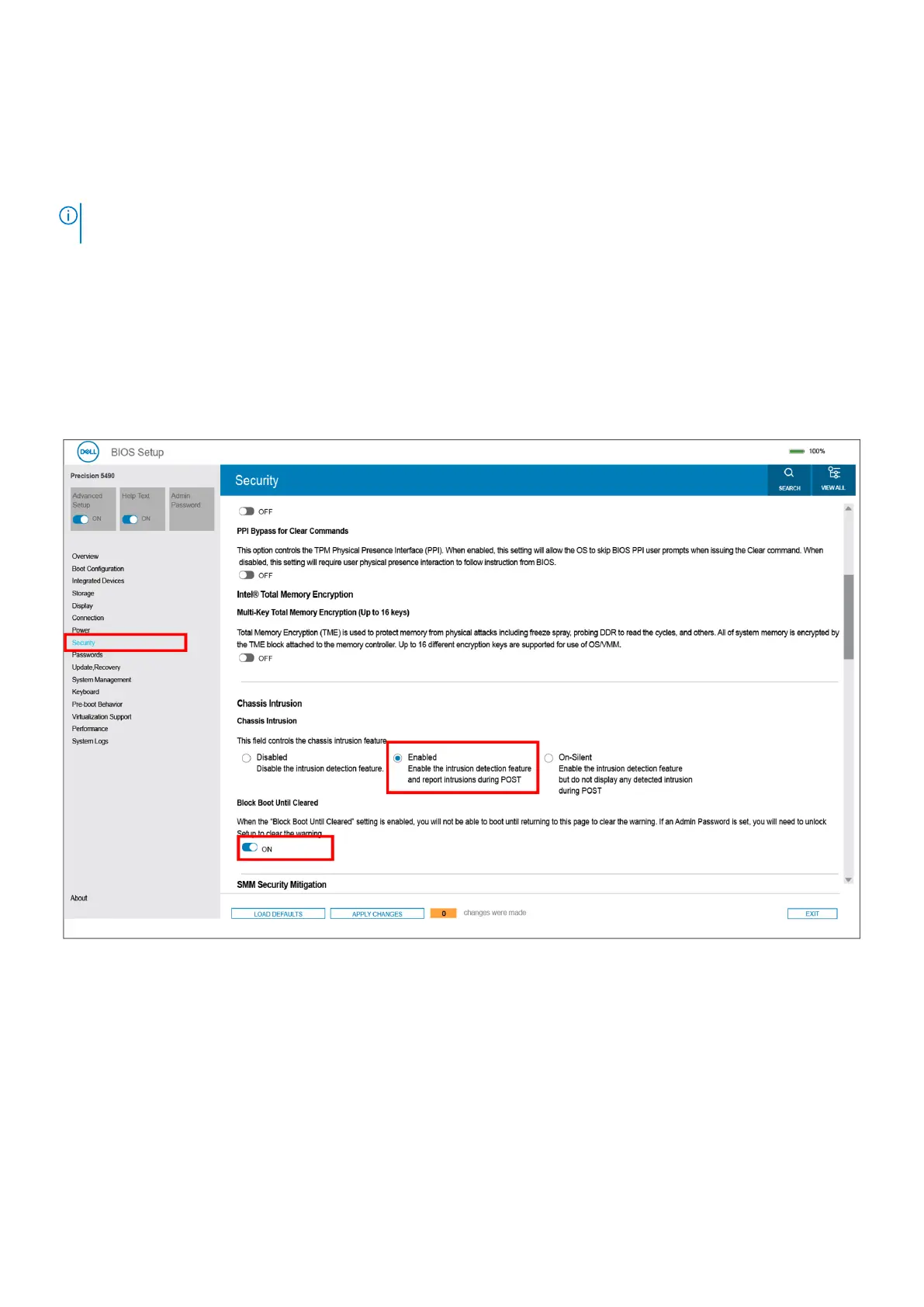
Clearing chassis intrusion alert
The computer features a chassis intrusion switch that detects when the base cover had been removed from the computer.
Alerts to notify you of any intrusions can be enabled through the Chassis Intrusion field in the Security submenu of the BIOS
setup menu.
When enabled, the Block Boot Until Cleared field allows you to choose whether to prevent normal boot-up of the computer
until the intrusion alert is cleared.
Figure 77. Block Boot Until Cleared
124
BIOS Setup











 To Next Page