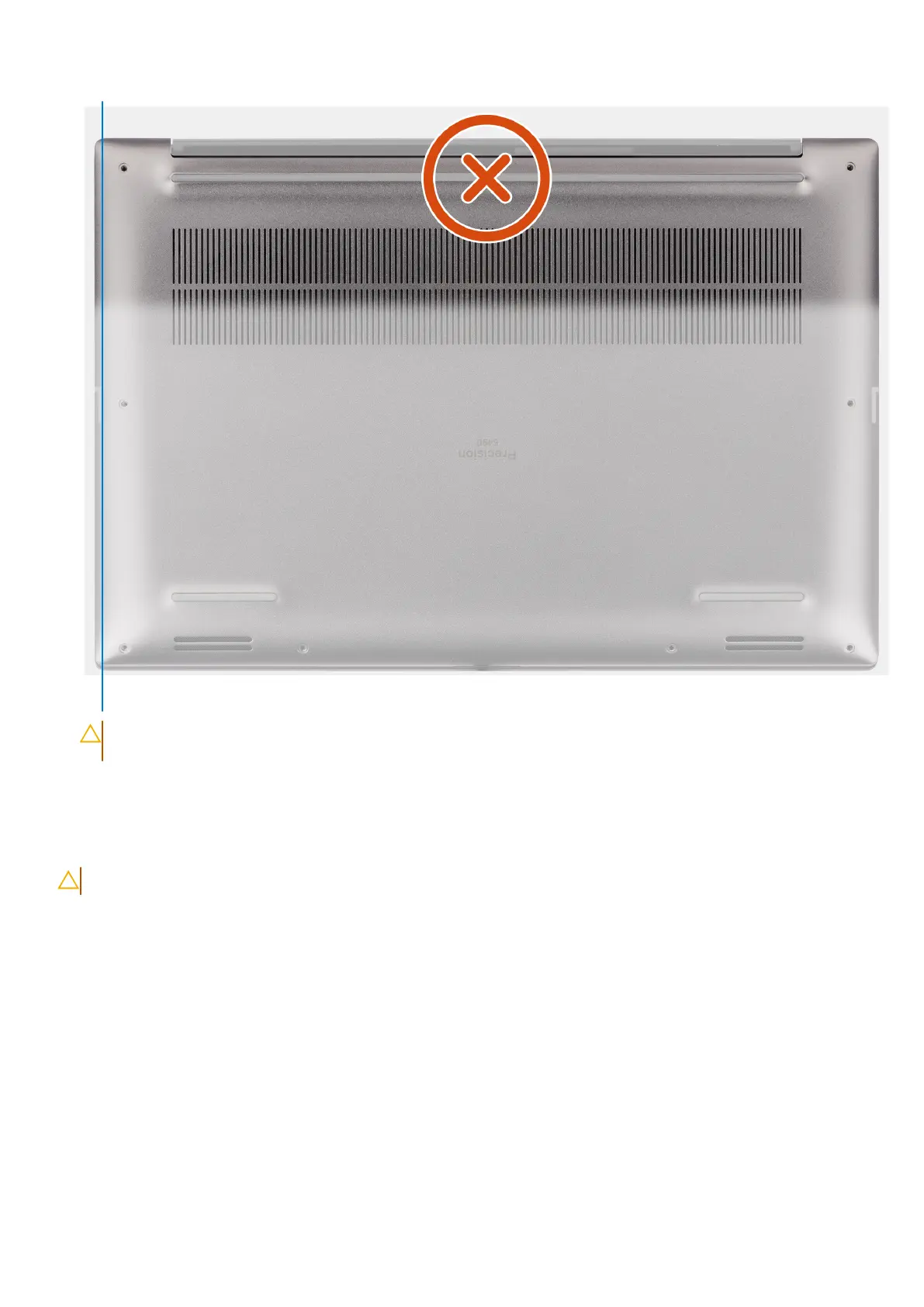
Figure 31. Do not pry from the top side of the base cover
CAUTION:
Only use the plastic scribe to disengage and release the clips with the prying motion along the
edges of the base cover. Do not use your fingers.
3. Lift the base cover starting from the bottom edge and push it towards the rear to remove it from the computer.
Installing the base cover
CAUTION: The information in this installation section is intended for authorized service technicians only.
Prerequisites
If you are replacing a component, remove the existing component before performing the installation procedure.
About this task
The figure indicates the location of the base cover and provides a visual representation of the installation procedure.
Removing and installing Field Replaceable Units (FRUs)
47












 To Next Page