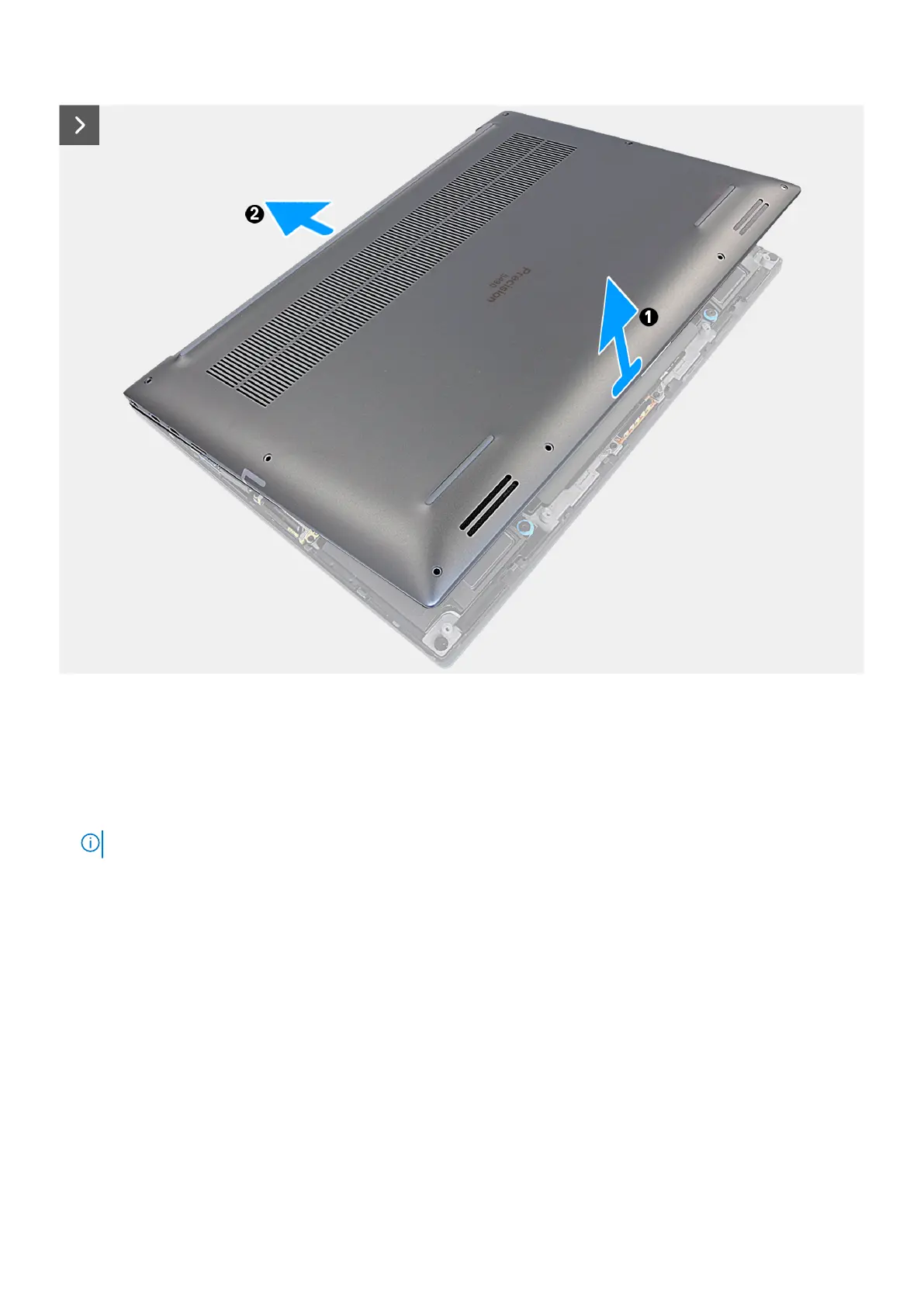
Figure 30. Removing the base cover
Steps
1. Remove the eight torx screws (T5, M2x3) that secure the base cover to the computer.
2. Use a scribe to pry from the gap at the bottom-left corner of the base cover. Then slide the scribe towards the middle of the
bottom side, and then the left side of the computer to disengage the clips. Repeat the same process for the other side of
the computer.
NOTE:
Do not pry up from the top side (near the vents) of the base cover as it can damage the rear side of the cover.
46 Removing and installing Field Replaceable Units (FRUs)












 To Next Page